Panaya Login: A Fresh New Look for
Start every session with a cleaner, more modern login page. The new design makes signing in simple and clear.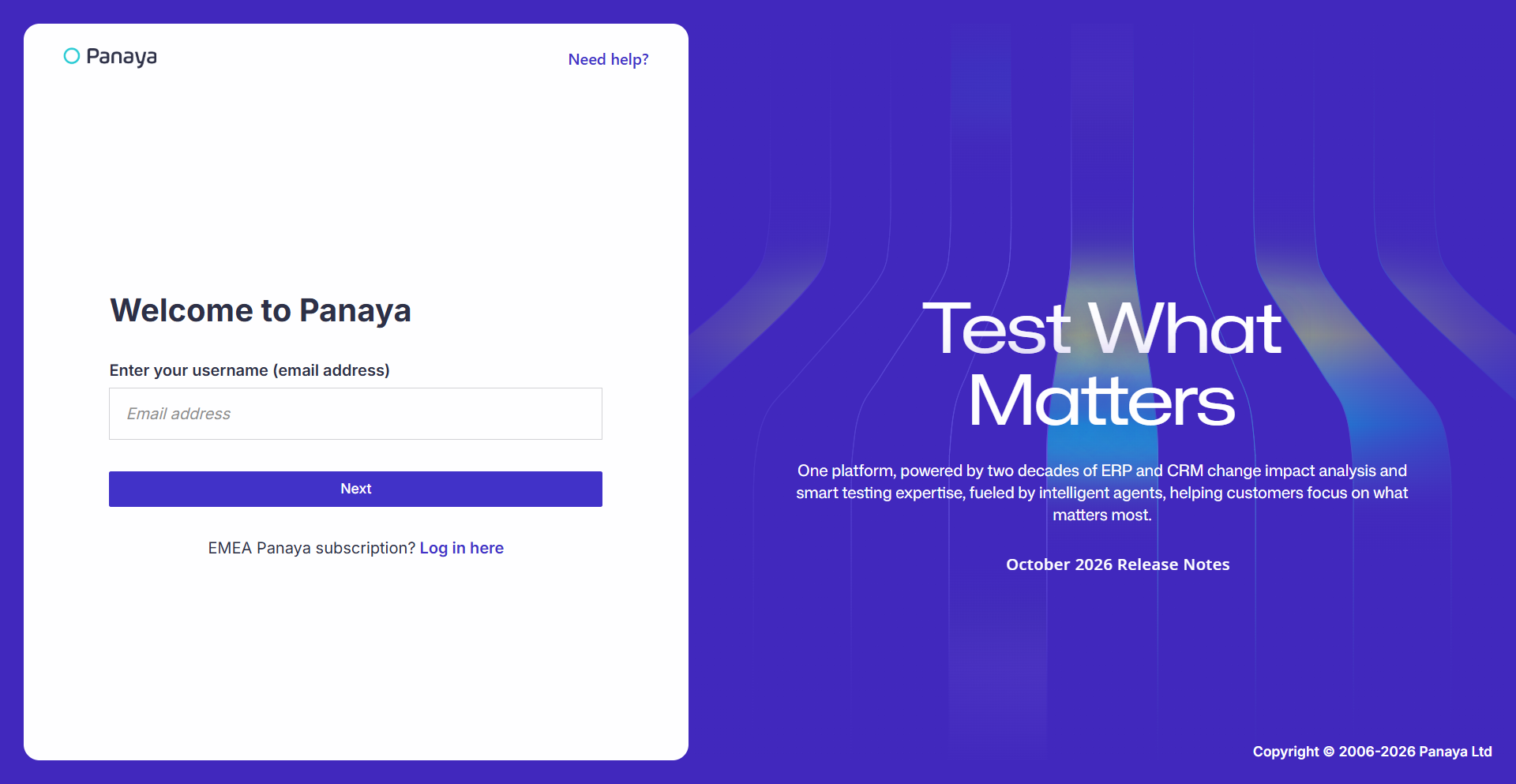
User Management APIs: Update Users
Automate more of your user administration directly from your own systems. The User Management APIs now include a PATCH endpoint for updating a single user's details, such as their name and other profile information.
This helps reduce manual administration, keeps user data synchronized across systems, and makes it easier to maintain accurate user information at scale.
Panaya Testing
Flexible Approval Rules for Test Creator
Give organizations greater control over compliance approval policies with the new option to determine whether the test author can also be an approver in an Assigned Approval Workflow. This makes it easier to align Panaya approval flows with internal governance and segregation-of-duties requirements.
Available to customers with the compliance package. Contact Panaya Support to enable the compliance package.
Deep Link to Panaya Tests from External Tools
Enable navigation from external tools directly to the relevant test in Panaya. Testing APIs now return a Node ID, which integrations can use to build a direct link to the matching test in Panaya.
You don't need to make a separate call. The nodeId field is now part of the existing responses from the Cycles, Tests, Folders, and Business Processes APIs.
Test Automation
Click here for our Test Automation product updates
Panaya for SAP
The New S/4Convert Experience
Bring more of your SAP transformation work into a single S/4Convert project that combines the existing S/4Convert capabilities with Panaya’s S/4Code automatic code corrections and AI-Assisted Corrections.
This marks a revolutionary step forward in the S/4Convert experience, bringing analysis and remediation together into a single streamlined project so teams can move more efficiently from identifying issues to resolving them.
S/4Accelerate Expansion Now (Beta)
Bring more of your SAP transformation work into a single S/4Accelerate project with a new expansion designed to combine the existing S/4Accelerate capabilities with Panaya’s advanced S/4Code and Assisted Code Corrections capabilities.
This feature is currently available in Beta. To participate in the Beta program, contact Panaya Support.
Fix Package Statuses and Correction Progress
Starting with this release, the Fix Package status stays aligned with the actual state of its corrections. When corrections are moved to Closed or Out of Scope, Panaya automatically recalculates the Fix Package status.
This gives teams a more accurate view of outstanding work, reduces the need for manual status updates, and makes it easier to track progress and prioritize the remaining effort.
More Relevant Related Notes Corrections
Get more accurate and relevant Related Notes corrections for your system and region. Implementation instructions now include an SNOTE check, so you can confirm a note can be applied to your system before you implement it.
Country-specific notes are now considered for all correction types, providing complete coverage for the countries you select. Cross-country notes, as classified by SAP, are always included.
Surrounding Comments for AI-Assisted Corrections
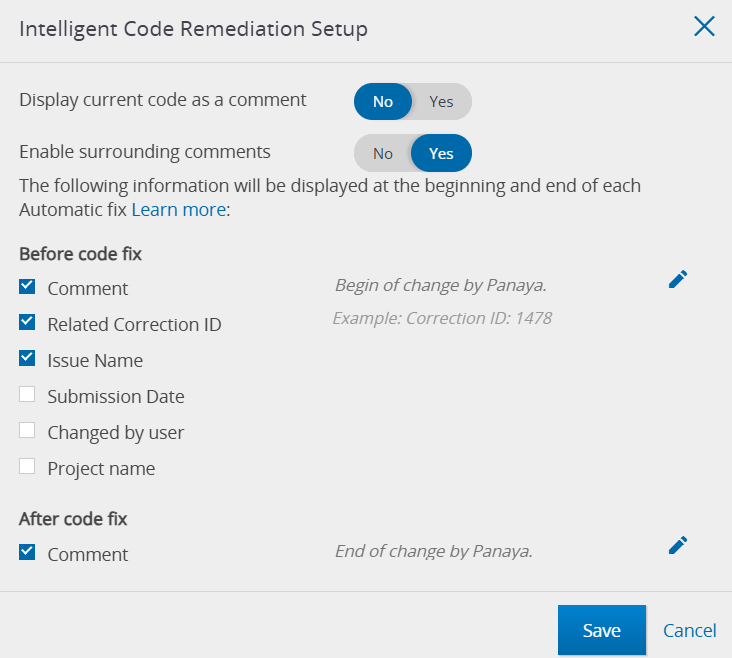
Make AI-assisted code changes easier to trace and review. Panaya's Seemore Intelligence, Assisted Code Corrections now adds surrounding comments to corrected code, the same way automatic corrections already do.
When the user accepts, saves, and closes a suggested fix, Panaya adds comments that mark where the change begins and ends and show the Correction ID, issue, and object. The comments follow your existing surrounding comments configuration, appear in the code diff screen, and are submitted with the code to your SAP system.
Submit Code Corrections to a Different System
Get more flexibility in your landscape by submitting code corrections to a system other than the one from which the code was originally extracted.
This makes it easier to support complex SAP landscapes, work across multiple environments, and route corrections to the system where they should actually be implemented, without needing to repeat the extraction process.
SCMON Usage Support
Base your impact analysis on deeper usage data with new support for SCMON/SUSG usage collection.
By incorporating actual usage information into the analysis, teams can better distinguish actively used code from rarely or unused objects, helping them focus remediation and testing efforts where they matter most and reduce unnecessary work.
Learn how to extract SCMON usage