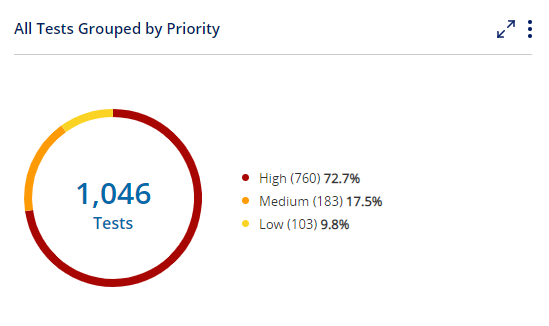
The Entity Distribution Widget displays the distribution of items in a view, grouped by a given field. You can display Tests, Steps, Defects, Corrections, Requirements, or Automation Runs.
The widget will show the total number of activities and their percentage of the total.
Tip!
Click on  to enlarge the widget
Drill Down to Lists
Users can click on the pie pieces to drill down to a list of items.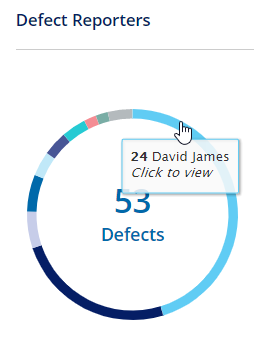
Widget setup
To edit the widget -
Click on
 and then select Edit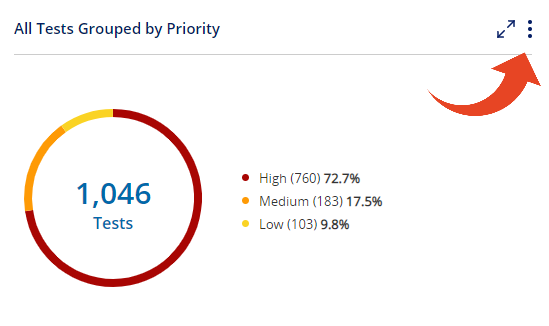
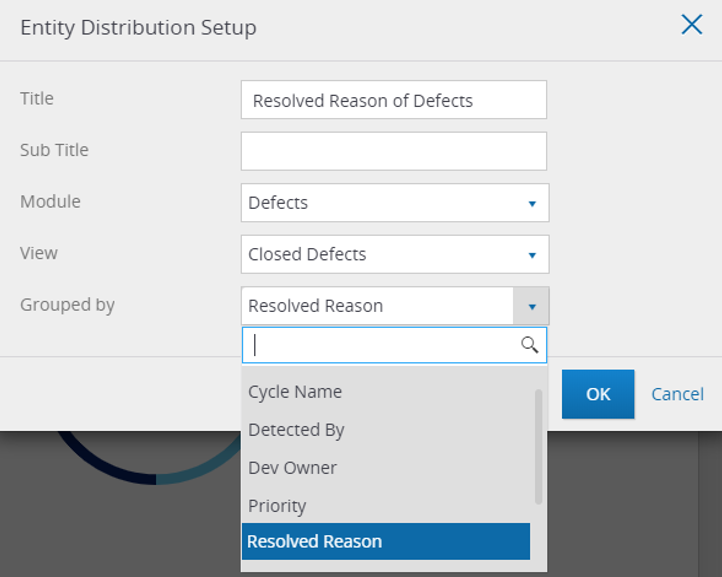
Here is what you can define in the widget setup -
Title
Sub Title
Module - Tests, Steps, Defects, Corrections, Requirements / Features, or Automation Runs.
Select the Module first, to populate the available ViewsView - you can select from predefined views for Tests, Defects, Corrections, Requirements / Features, or Automation Runs. And you can also create your own customized filtered view.
Grouped By - Select a field to group the display by. Supported field types (default or custom) are - Drop-Down, Text, and User.
Automation Runs can be grouped by AI fallback use, run results, test type, and execution trigger.