- Log in to Panaya
- Click on the Menu button
 and select All Projects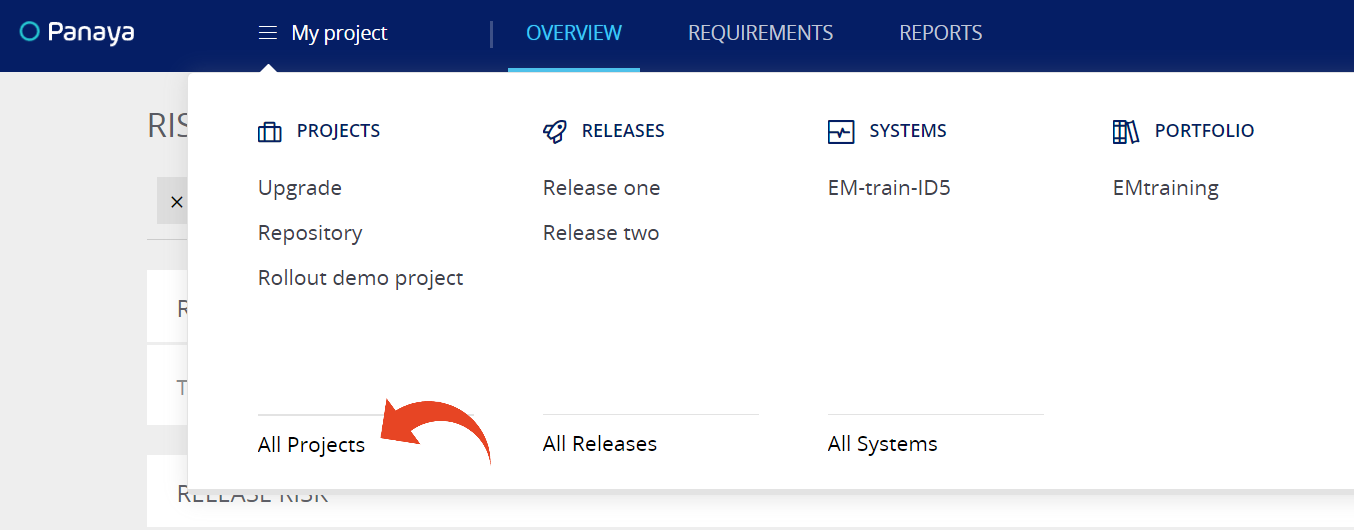
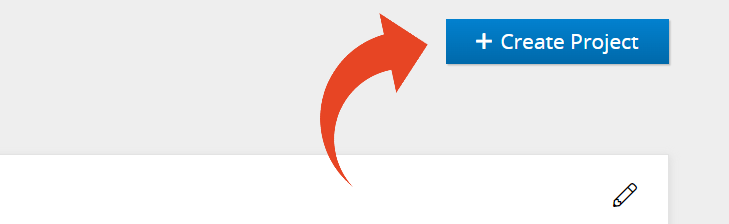
- Click on Create Project
- Give the project a meaningful name
- Select the project Manager
- Select the start date, end date (optional), and a short description (optional)
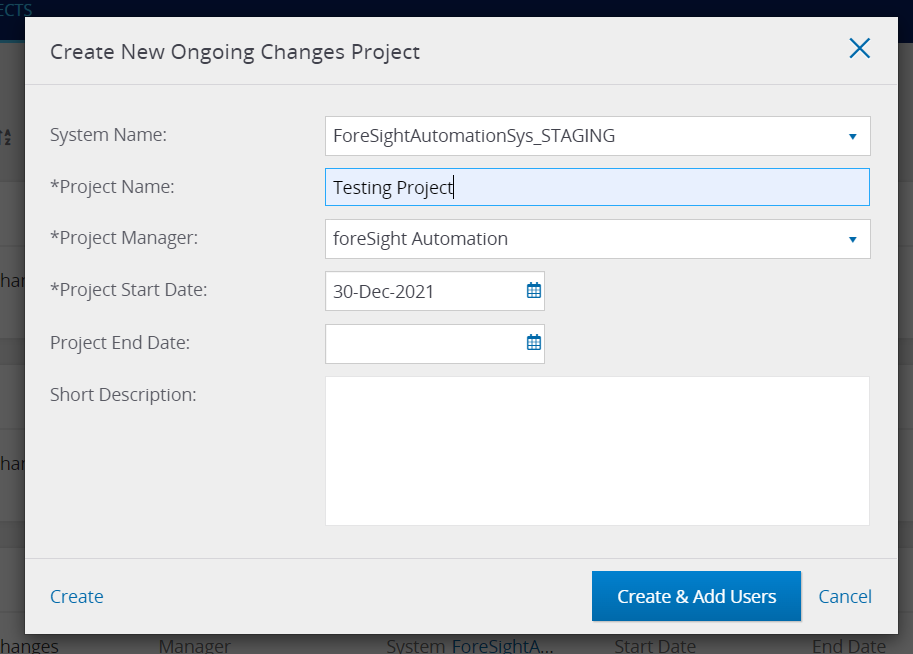
- Click on Create or Create & Add Users
Project Details
You will then be redirected to the Project's details, where you can view and define additional values or change existing -
- Project Status
- General Applications
Allows defining the applications where changes are planned in this project's scope. - Project Risk Indicator
- Total Requirements
The number of linked Requirements in this project - Assigned Releases
- Extraction Date
- Approval Workflow