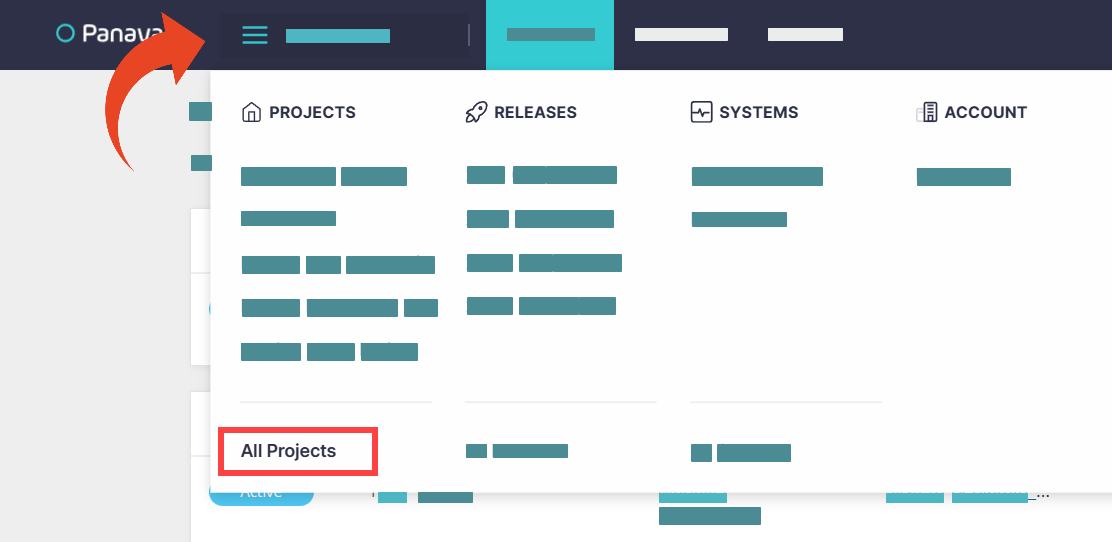
The All Projects view displays a list of all your projects and their statuses
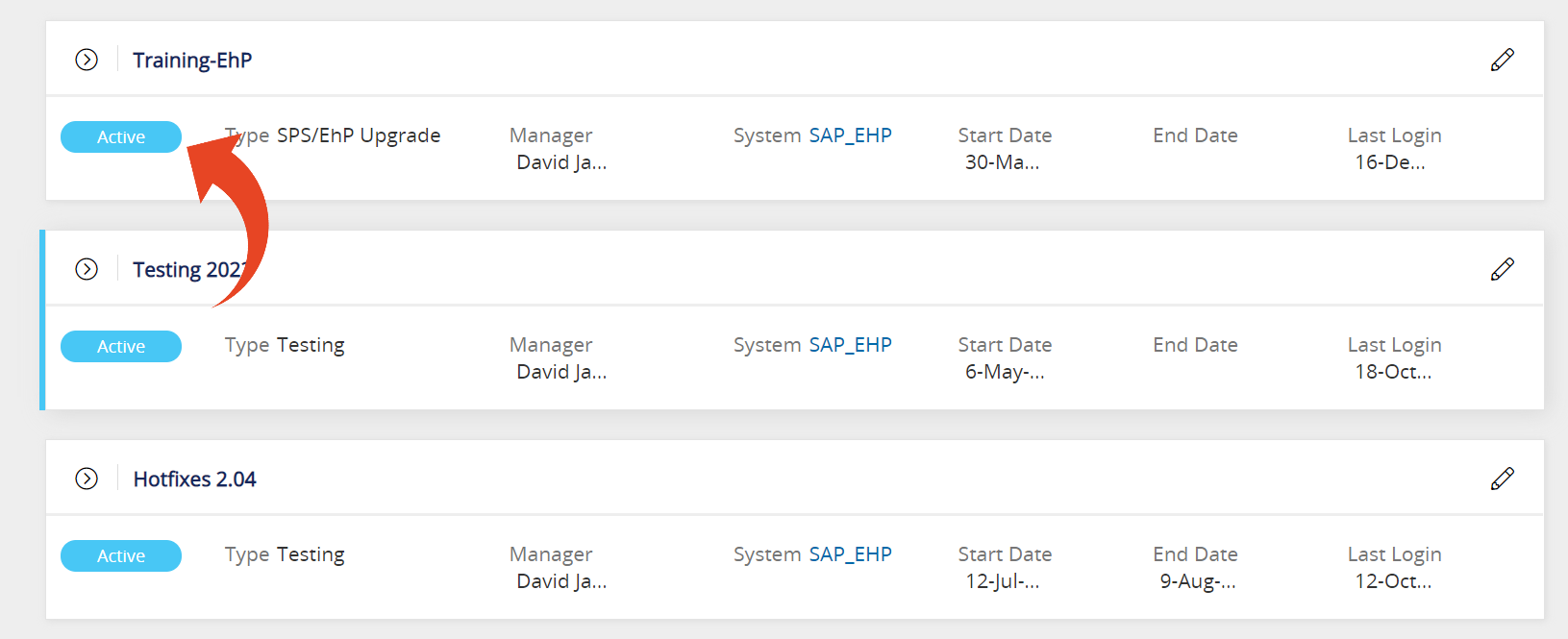
Project Statuses
Active
The project is active and accessible. Custom code uploaded for the system will be analyzed and reflected in an Active project's activities.
Completed
This is a previous Panaya project that has been completed but is still accessible.
On Hold
This project is still accessible, although, any Custom Code uploads for the relevant ERP system will not reflect on the On Hold project activities. A project can be set as On Hold at any time.
Active (Waiting for Extraction)
The project has been activated but your Custom Code was not yet uploaded.
Processing
This project is being processed and will be accessible shortly.
Good to Know!
You can still access Finished projects.
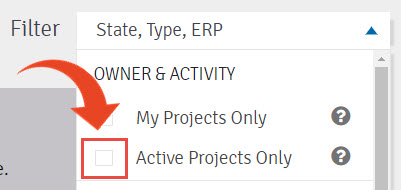
Use the Filter drop-down list and deselect the Active Project Only option.