Three steps to sign in. If you get stuck, the articles in this section cover passwords, locked accounts and multiple Panaya accounts.
1 Go to your Panaya site
Log in to Panaya with one of the URLs below (depending on your specific Panaya site) —
https://my.panaya.com or https://emea.panaya.com
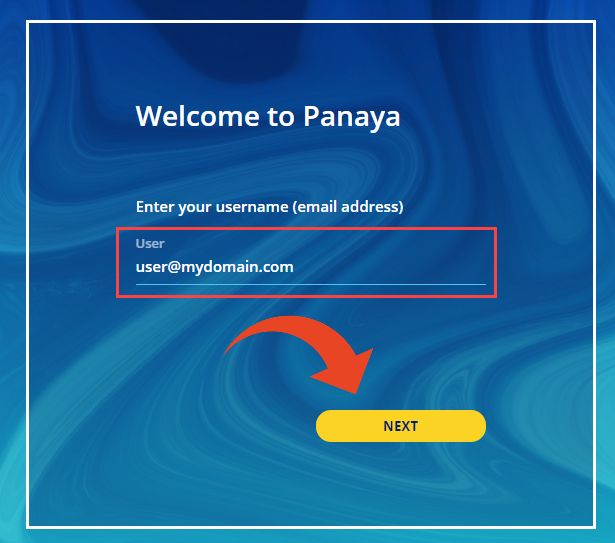
2 Enter your email address
Enter your email address (that is associated with your Panaya user) as your user name and click NEXT
3 Enter your password
Type your password and click on LOGIN
Can't log in?
Click on Forgot your password? to reset it
More on signing in
Everything else that can get between you and your project.
Reset password
Request a new password when you cannot get in.
Reset password issues
What to check when the reset email never arrives.
Account locked
Why an account locks and how to get it opened again.
Working with multiple Panaya accounts
Switch between accounts without logging out.
Project cannot be found
You are logged in, but the project is not showing.
User profile
Change your password, name, language and email preferences.
Supported UI languages
The languages Panaya's interface is available in.
Adding Panaya as a bookmark
Keep your Panaya site one click away.
Recover access to Panaya Online Training
Getting back into the training platform.