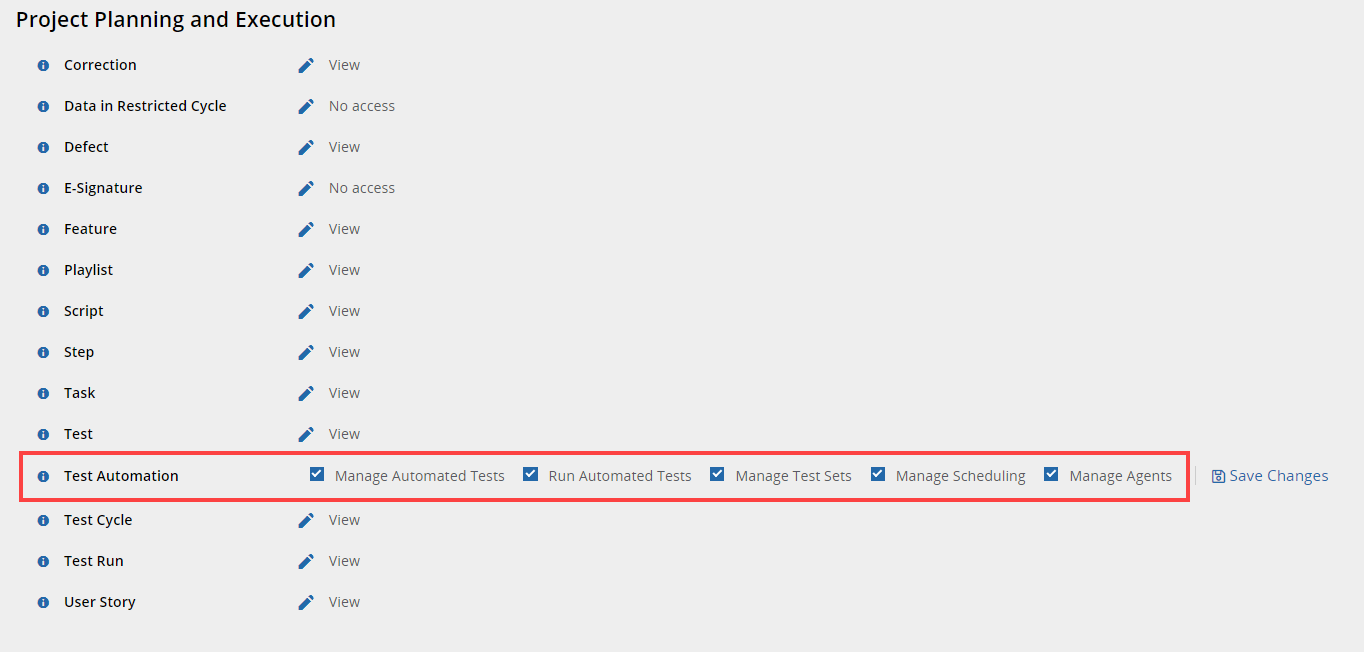
Panaya provides a set of permissions that can be assigned to automation users.
By default, the Automation User Role includes the following permissions - Manage Automated Tests, Run Automated Tests, Manage Test Sets, Manage Scheduling, and Manage Agents.
Note
Users should be set as Automation-type users to launch the ScriptBuilder and record or edit automated test scripts.
Data Set Management Permission
Managing data sets and input parameters requires the Data Set Management permission. Assign this permission to a user's role to allow them to create, edit, or delete script data sets and input parameters.