To download and install the ScriptBuilder -
Please review Panaya’s ScriptBuilder system and technical prerequisites here.
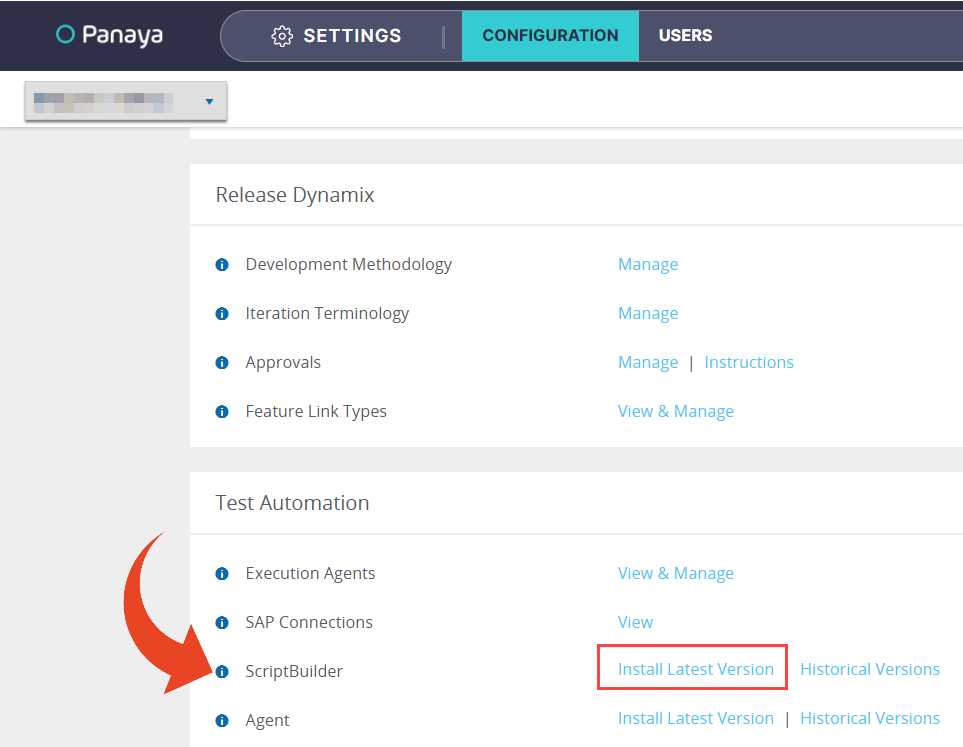
Click on the Settings button to open up the Settings panel.

On the configuration page, scroll down to the Test Automation section and click Install to download the ScriptBuilder .msi installation file.
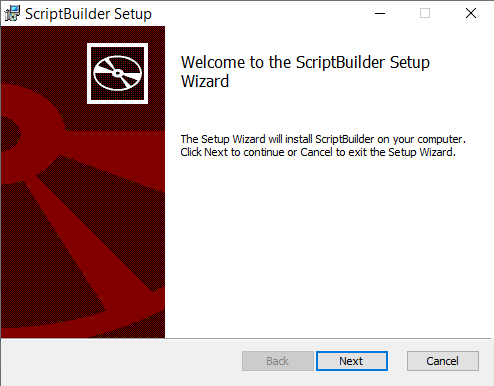
Run the ScriptBuilder.msi file and follow the installation wizard until its final step.
Operating system administrator permissions are required to complete the setup.
Using multi-user sessions via remote desktop services or a terminal server?
One extra step is required. Click here to learn more.To launch ScriptBuilder, select the Script tab in an Automated Test and click the Open ScriptBuilder button.
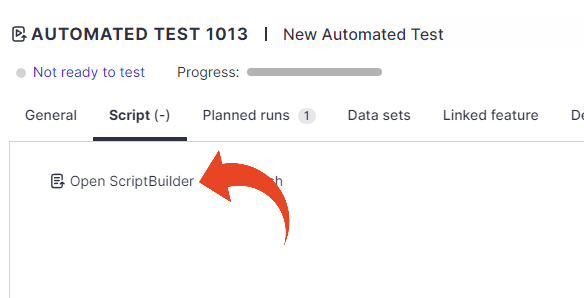
You are all set. You should now be able to record and design automated scripts.
Web Recording Setup
ScriptBuilder requires a Chromium-based browser extension.
Review our Script Builder Extension Policy guidelines.
If you experience initialization or connectivity issues, please review our Script Builder Extension Policy – Troubleshooting Guide.