ScriptBuilder is equipped with a powerful self-healing mechanism. When locators fail to properly identify the target element, our smart engine can use AI for the instruction description as a fallback method, allowing it to intelligently locate the element when locators fail.
ScriptBuilder Script Settings
This innovative approach significantly improves script stability and reduces maintenance effort by automatically adapting to UI changes.
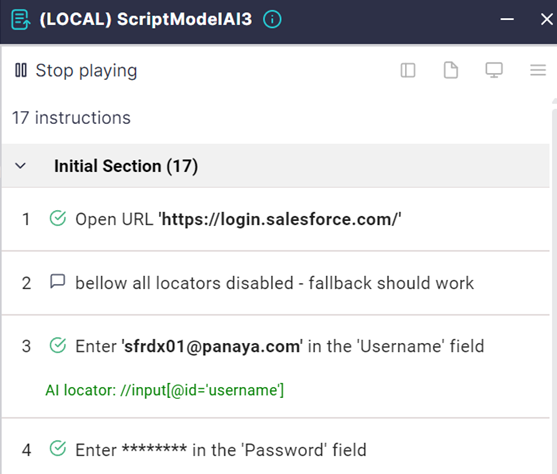
When self-healing is activated and utilized, an ‘AI locator’ note appears for AI-passed instructions.
You can turn on or off AI playback self-healing for recording, playback, or both.
You can also set this option on or off for each instruction separately.
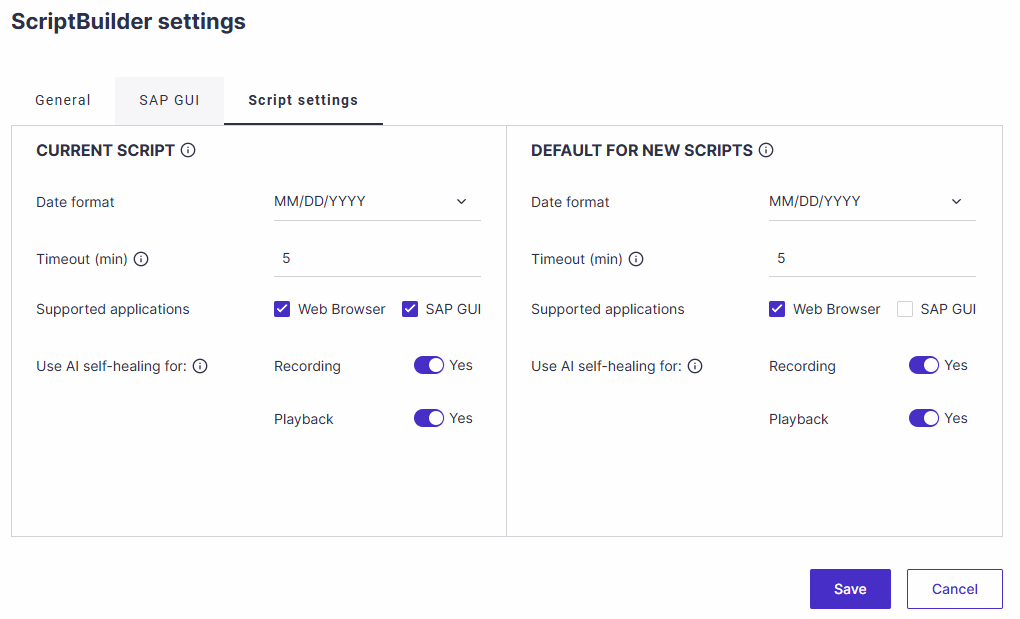
Self-healing during recording
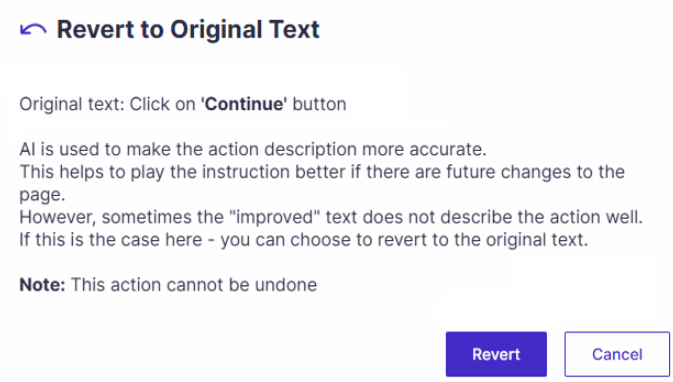
During script recording, ScriptBuilder can use AI to rephrase instruction text to improve the chances of successful self-healing. If the suggested rephrasing is inaccurate, users can easily revert the instruction to the original recorded text.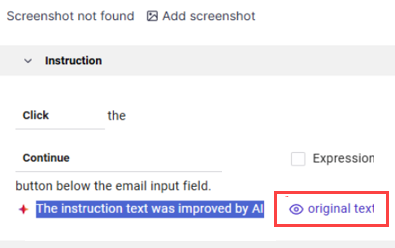
Self-healing during playback
When self-healing runs successfully, an indicator appears below the passed instruction.
If identified as a resilient locator, it is added as the primary locator in the instruction's locator list.
Sometimes, a non-resilient locator may allow the instruction to pass but will not be added to the locator list.
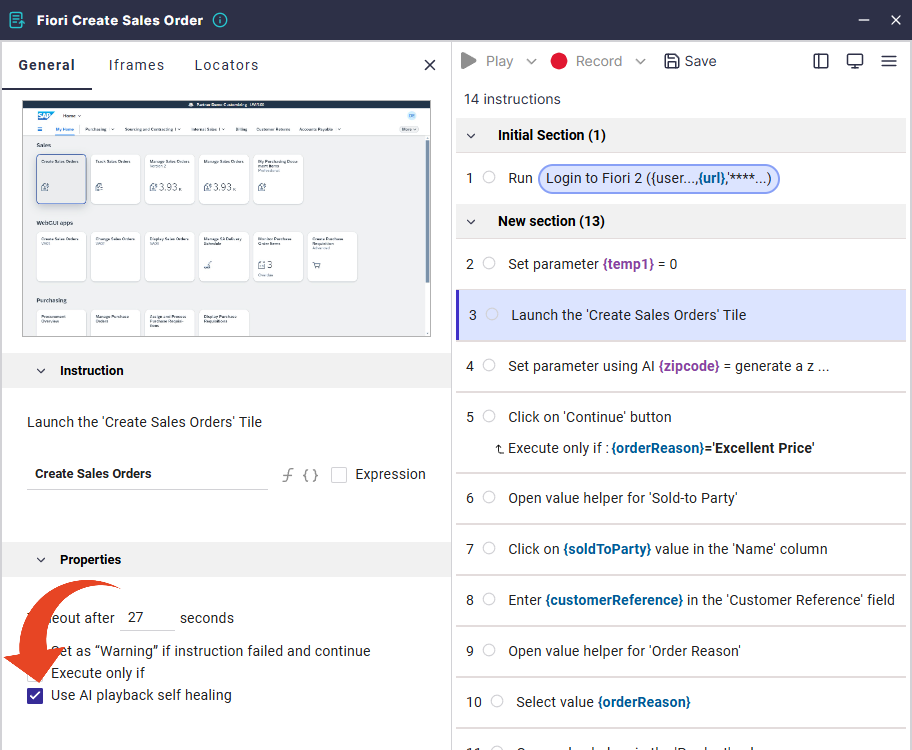
Turning instruction AI self-healing on or off
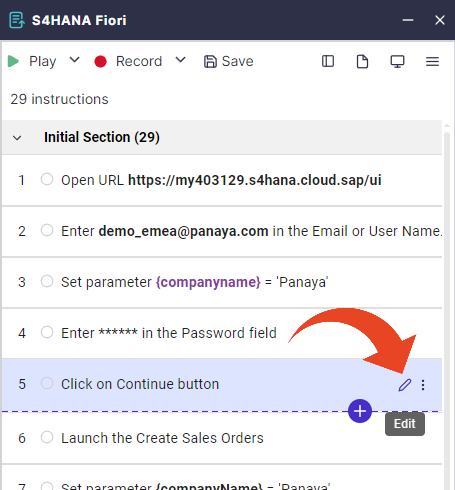
You can enable or disable AI playback self-healing for each instruction in ScriptBuilder.
Open the instructions details and check ‘User AI playback self-healing’ on or off.
✦ CANNOT SEE THE AI PLAYBACK SELF-HEALING OPTION?
Learn how to enable AI features for your Panaya subscription.