You can enable or disable Seemore intelligence, our generative AI features by clicking on Settings > Configuration > Manage Seemore intelligence (Gen-AI).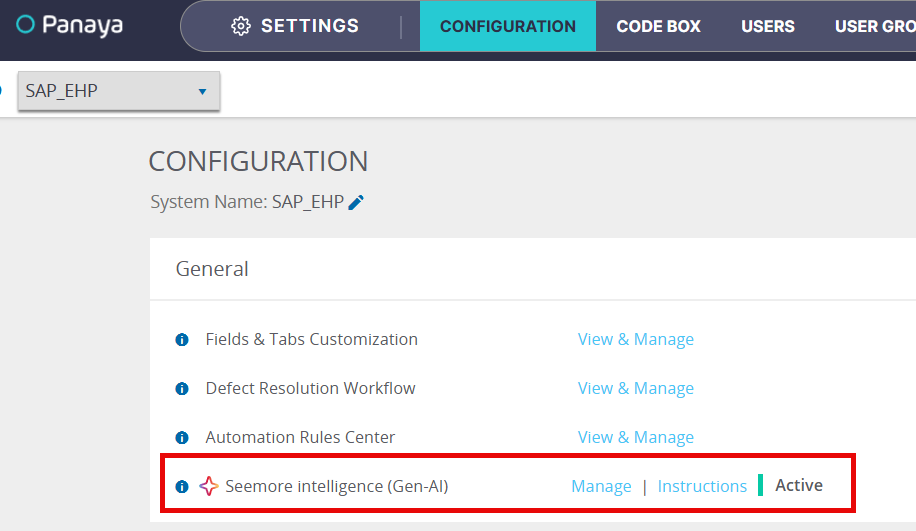
ⓘ IMPORTANT!
You need the Seemore Intelligence (Gen-AI) Manage permission to enable or disable AI features for your Panaya subscription.
Enabling AI features is defined per system across all projects connected to a system.
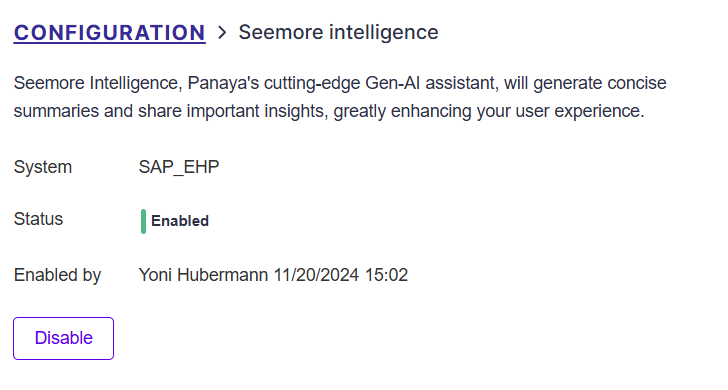
Once enabled, you can disable AI features for all projects in a system at any time. 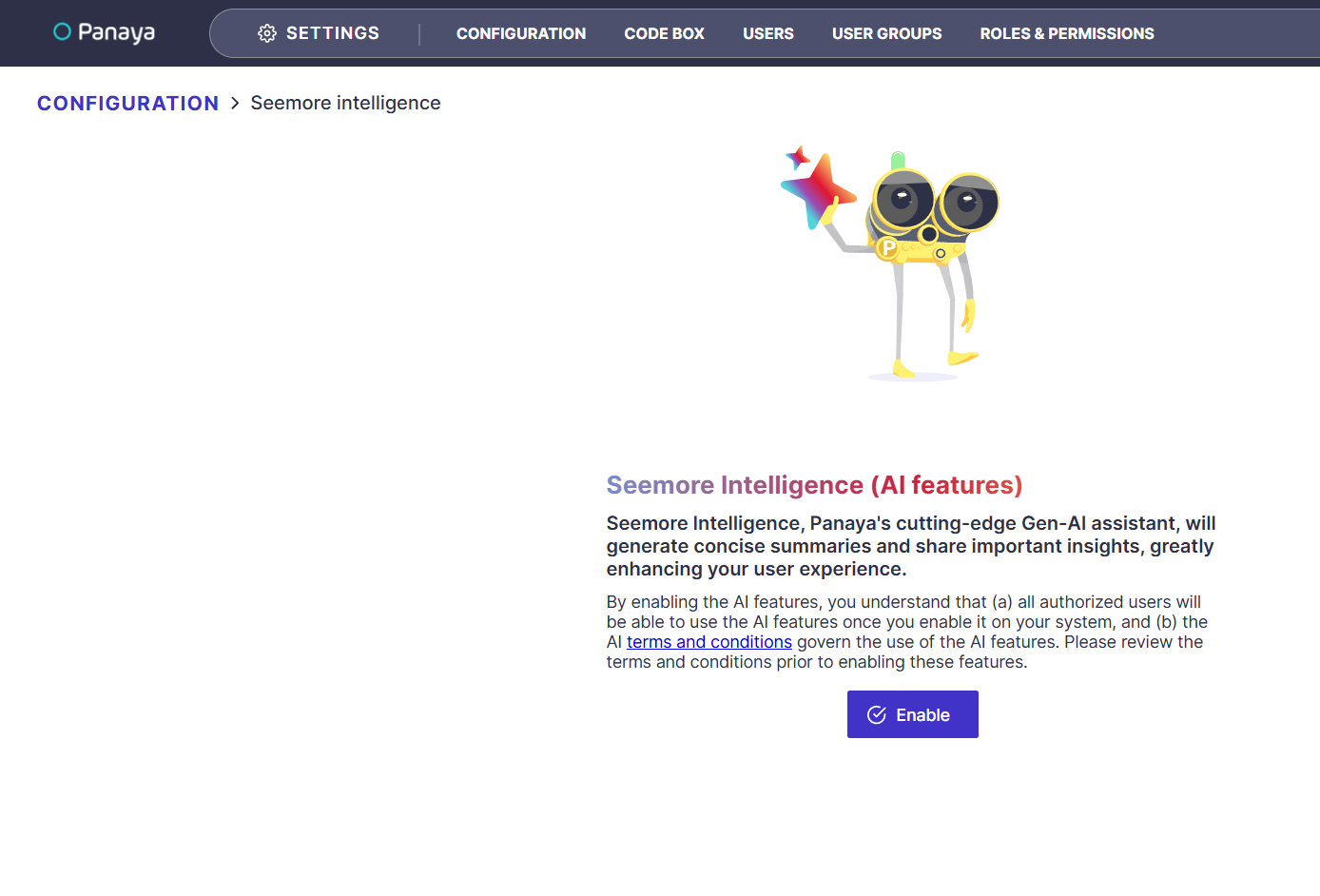
✦ SEE ALSO