To update the Panaya certificate -
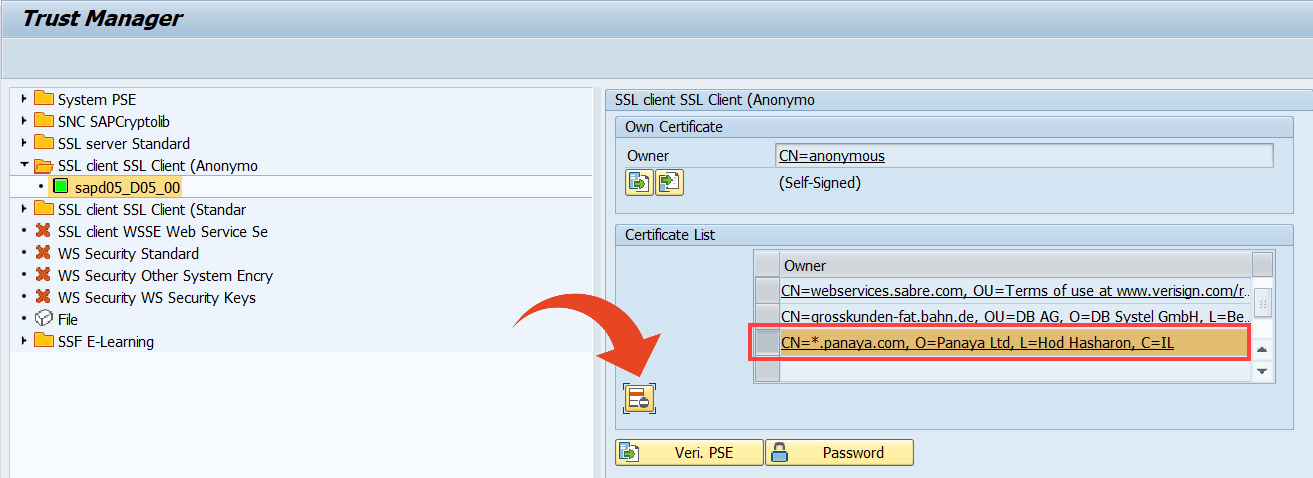
In SAP GUI, execute transaction STRUST and expand the SSL Client (Anonymous) section previously defined.
If the Panaya certificate appears in the list, select it and click on Delete Selected Certificate
Save your changes.
Follow step 3 in this article to complete the certificate update.