Release 26.08 update
Manual installation of the ScriptBuilder browser extension is no longer required. If the extension is already installed manually, it can remain installed and will not cause any issues.
If your organization does not use
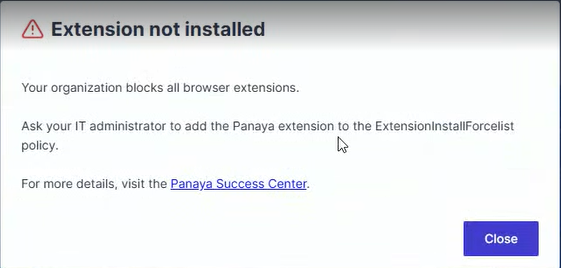
ExtensionInstallBlocklist = *, no action is required. IfExtensionInstallBlocklist = *is configured, your IT administrator must add the Panaya extension ID to theExtensionInstallForcelist. See the ScriptBuilder Extension Policy – Troubleshooting Guide for the required browser-specific values.
To record and play back actions within web applications, ScriptBuilder relies on a Chromium-based browser extension.
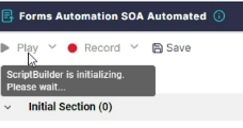
In some cases, internal IT security policies may block Chromium extensions. If this applies to your organization, you may find that ScriptBuilder hangs during the initialization phase.
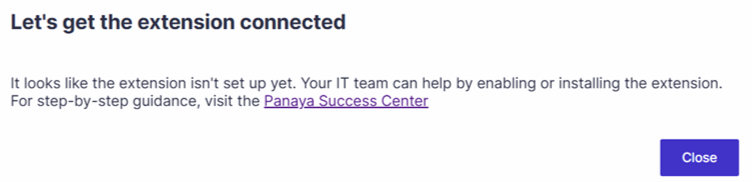
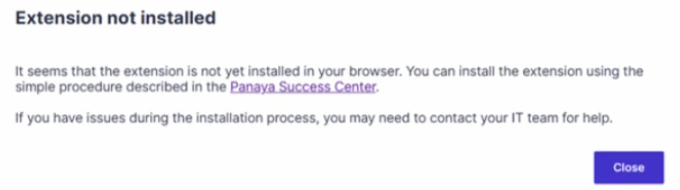
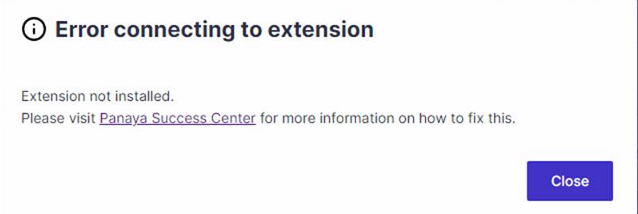
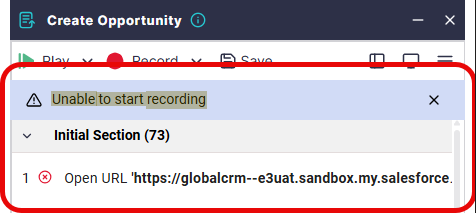
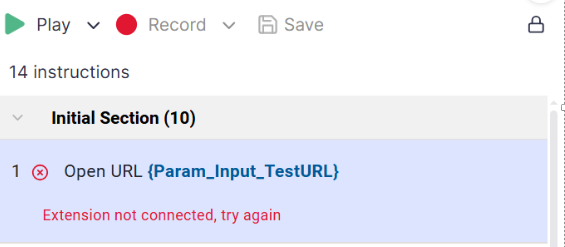
Alternatively, you might encounter one of several error messages below (such as "Extension not installed," "Let's get the extension connected," or "Error connecting to extension") when attempting to launch the tool, record a script, or play one back.
If you experience any of these connectivity or initialization problems, please refer to our Script Builder Browser Issue – Troubleshooting Guide to help resolve the issue