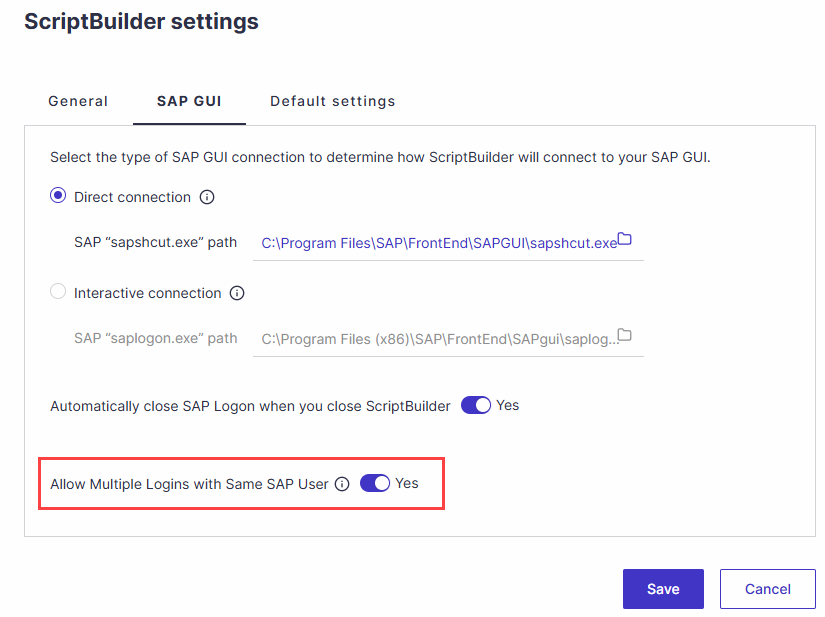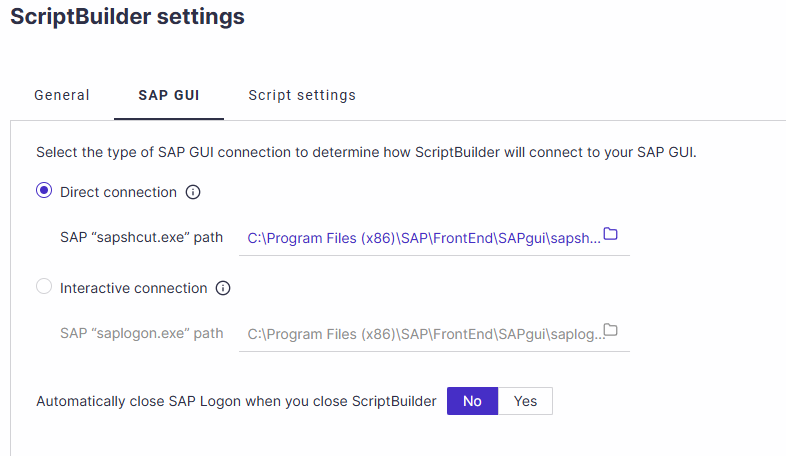
Direct SAP Connection
If no default connection has been defined, ScriptBuilder will allow you to select a connection from a list.
Interactive SAP GUI Connection
An alternative login method. When selecting this option, the “Connect to SAP” instruction will open the SAP Login screen, allowing the user to view the username and password input. The “Direct” option bypasses these steps for immediate connection.
Important!
Use this connection method when the Direct SAP Connection does not work or when your SAP GUI Security settings do not allow SAP GUI to be started from the command line.
With the Interactive SAP GUI Connection, the SAP Connection Name in Panaya must match the name of the SAP server in SAP GUI.
For the Interactive SAP GUI Connection, set the SAP logon exe path to the location of saplogon.exe.
SAP logon exe path
Panaya predefined the SAP logon exe path, which should be directed to the location of sapshcut.exe. You can override the path if necessary.
The path appearing here will determine the path used for the connection instruction in the script.
Learn more about SAP Connections.
Automatically close SAP Logon
You can configure ScriptBuilder to close SAP Logon at the end of the execution by enabling this setting. This helps maintain clean SAP sessions and can improve troubleshooting by preventing unnecessary active SAP Logon instances.
Learn more about SAP GUI and SAP Logon Behavior by the execution mode
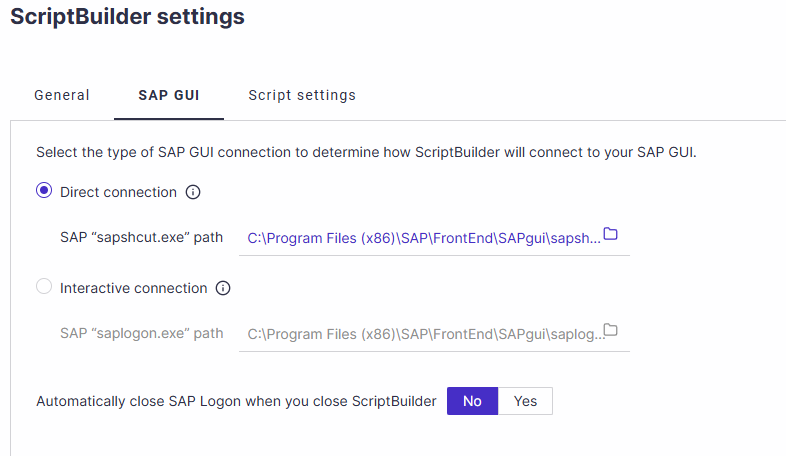
SAP GUI Multiple Logon Support
Enable this setting to allow automated tests to continue when SAP displays the Multiple Logon dialog for a user who is already logged in with the same credentials. When enabled, ScriptBuilder automatically continues the new session without the need for user intervention.