Strengthen regulated testing with configurable multi-step approval workflows for both pre-execution test reviews and post-execution sign-off.
You can configure sequential approval chains with up to six approval steps. Each step can be assigned to an individual user or a user group. The next approval step is activated only after the previous one is completed, ensuring approvals are completed in the required order before testing begins or results are signed off.
This feature is part of the Panaya Compliance Package.
When a review workflow starts, the test becomes read-only to preserve its integrity throughout the approval process. Reviewer assignments can be updated while the workflow is in progress without resetting approvals that have already been completed.
Configure up to six sequential approval steps for review and sign-off, using individual users, user groups, or a combination of both.
Lock tests during the approval workflow to prevent changes.
Update reviewer assignments without restarting the approval process.
Require all pre-execution approvals before test execution can begin.
Automatically trigger post-execution sign-off as test steps are completed.
Support individual or mass electronic signatures for post-execution approval.
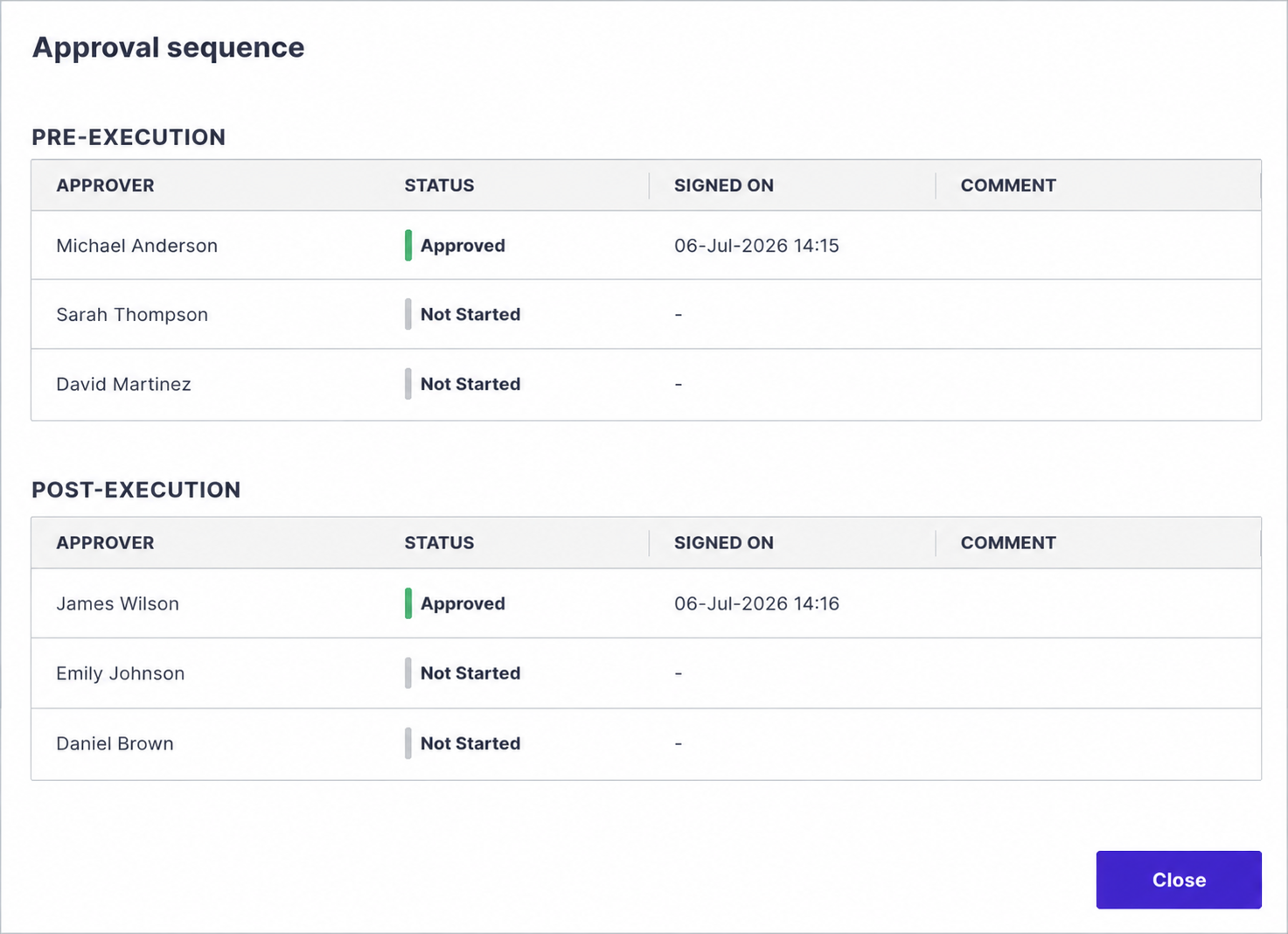
Define the Approval Sequence
Before you continue, set the cycle as Regulated and ensure that the Assigned approver workflow option is selected.
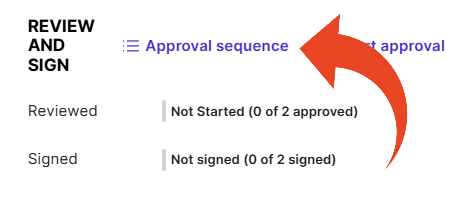
To set the approvers for a test, select the test's General tab and click Approval sequence.
Use the action button to add, delete, or reorder approval steps. Each step can be assigned to an individual user or a user group.
You can combine individual users and user groups in the same approval workflow. When a step is assigned to a user group, any eligible member of that group can complete the approval.
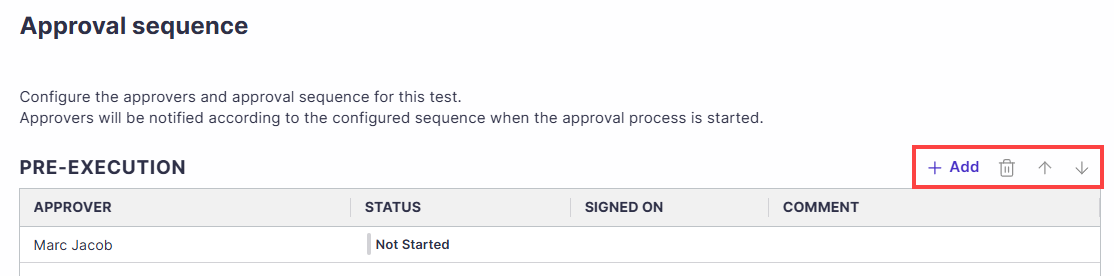
You must configure an approver for each one of the pre-execution and post-execution sections.
Important!
Approvers must be assigned the E-Signature: Review/Sign permission to appear in the list of approvers for selection.
Click Save.
Start the Approval Process
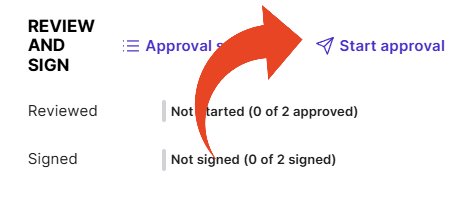
To begin the approval process and send the first email to the first approver, select the General tab for a test and click Start approval.
The assigned approver is notified when the approval step becomes active.
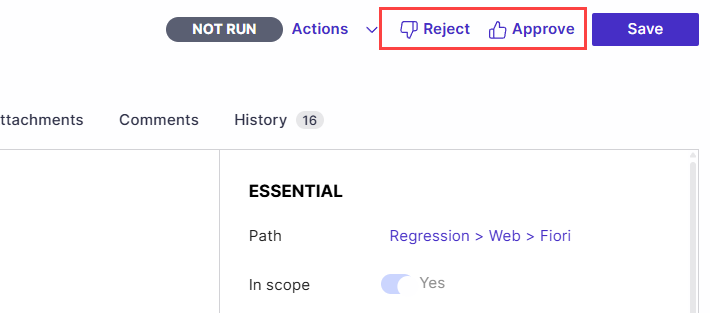
For the pre-execution stage, the relevant users will be able to approve or reject the test.
For the post-execution stage, the relevant users will be able to e-sign test runs.
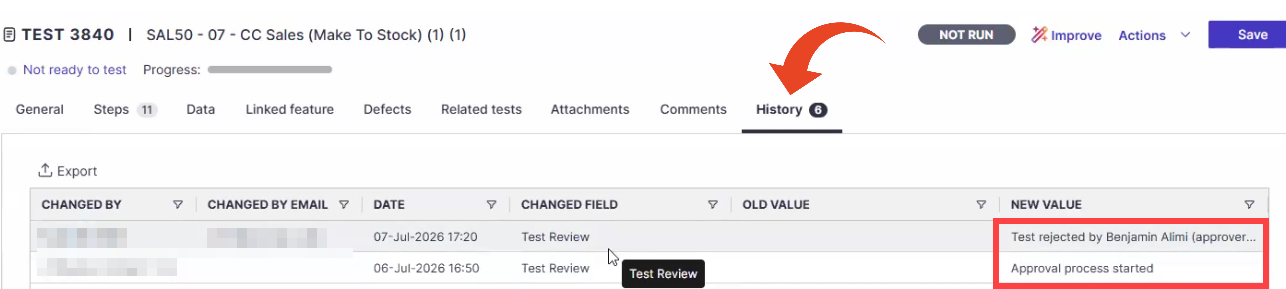
All approval activities are recorded in the History tab. When a user-group approval step is completed, Panaya records the actual group member who performed the approval.
History includes:
Approver assignments.
Workflow initiation and reset actions.
Approval and rejection events with electronic signatures.
Resetting the Approval Process
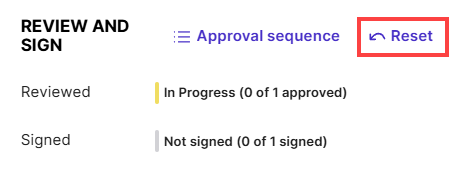
As long as no approvals were submitted, the test creator or an admin can reset the process and start over.
Note
You cannot reset approval after post-approval has started.
The audit of previous rejections appears in the History tab of the test.
Approval Statuses
The approval dialog displays the current status of each approver.
Status | Description |
|---|---|
Not Started | The approval workflow has not been initiated. |
Pending | The workflow has started, and the approver is waiting to review and sign. |
Done | The approver has completed the electronic signature. |
Rejected | The approver rejected the review request. |
Good to Know!
If any approver rejects a pre-execution review, the approval workflow must be restarted before testing can proceed.
The test creator cannot be the assigned approver.
Note
Multi-approver test review is available as part of our Compliance Package, which includes electronic signatures and advanced regulatory compliance features.