Report an issue or suggest a product idea through the Panaya Support Portal, and track everything you have raised in one place.
Try the troubleshooting articles first
Check out these articles for possible solutions to your issue before opening a case.
Getting to support
Support lives inside the Panaya application, behind the Help button.
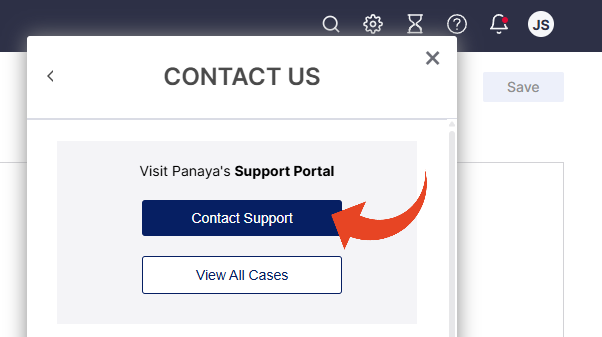
2 Click Help, then Contact Us, then Contact Support
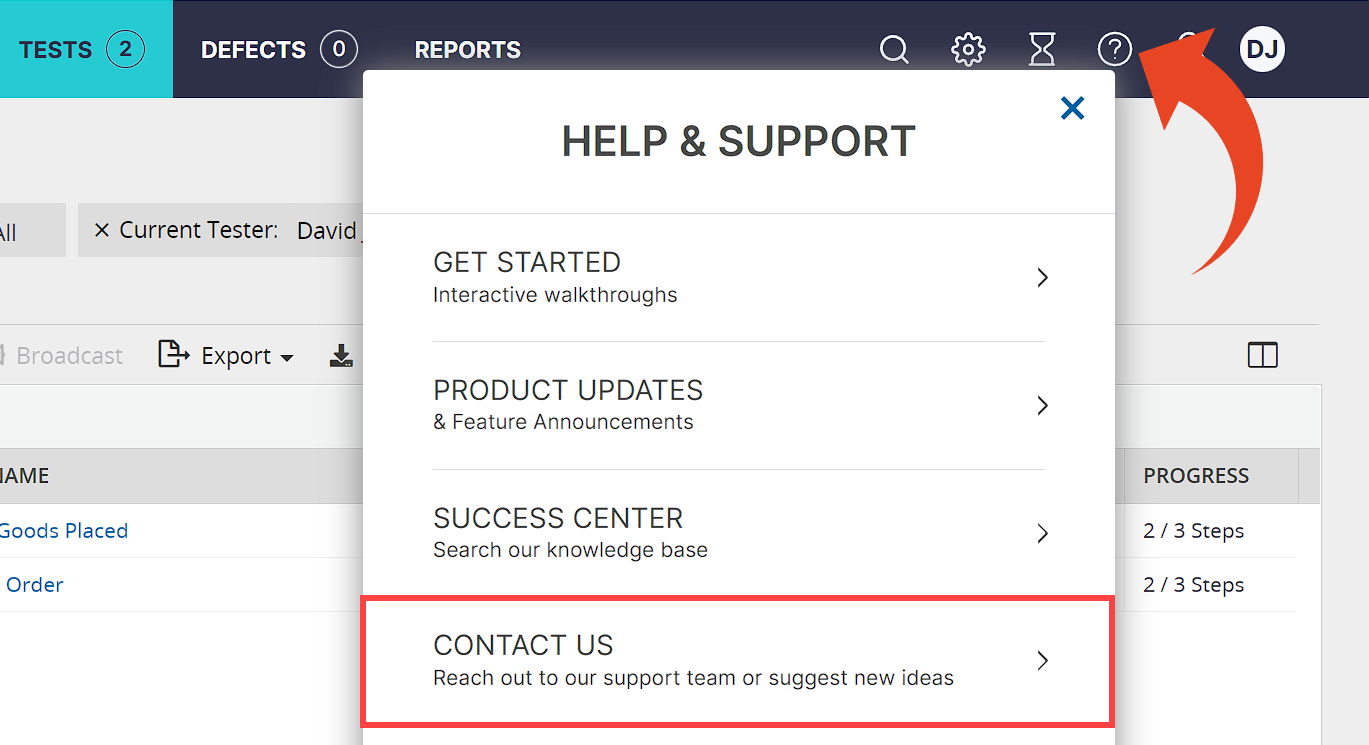
Creating a support case
The more detail you give, the faster the team can reproduce and resolve it.
1 Click Contact Support
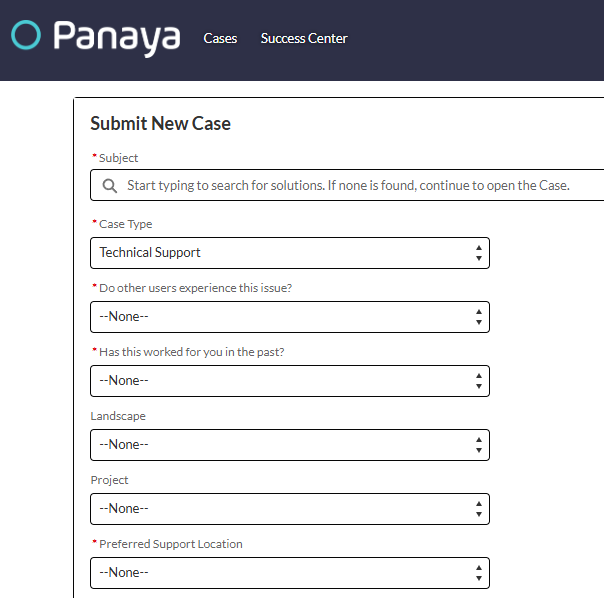
2 Fill in the form, including as many details as you can
3 Choose a case type — Technical Support or Idea
4 Click Submit. The case goes straight to the Panaya Support team
Tracking your cases
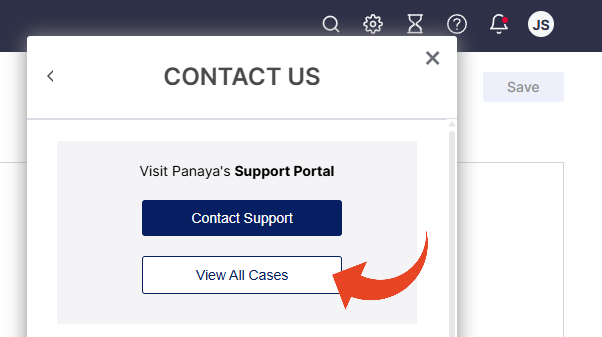
Select View All Cases to open the Support Portal, where you can follow every case you have raised and see new updates as they come in.
Managers and admins can see the whole organization
Contact Panaya Support to change your portal viewing privileges.