You may encounter the following error message when launching ScriptBuilder from the Panaya website.
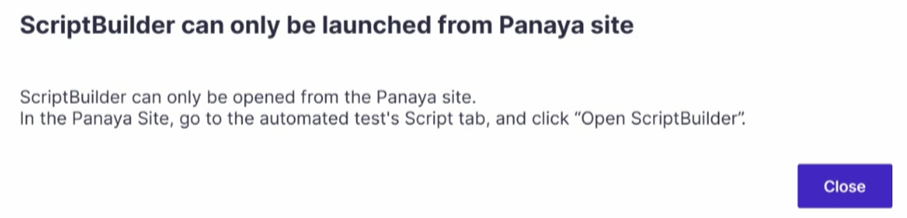
This issue might be due to residual processes running in the operating system.
To resolve
Navigate to Task Manager, click on Details, and End task for the Player.exe.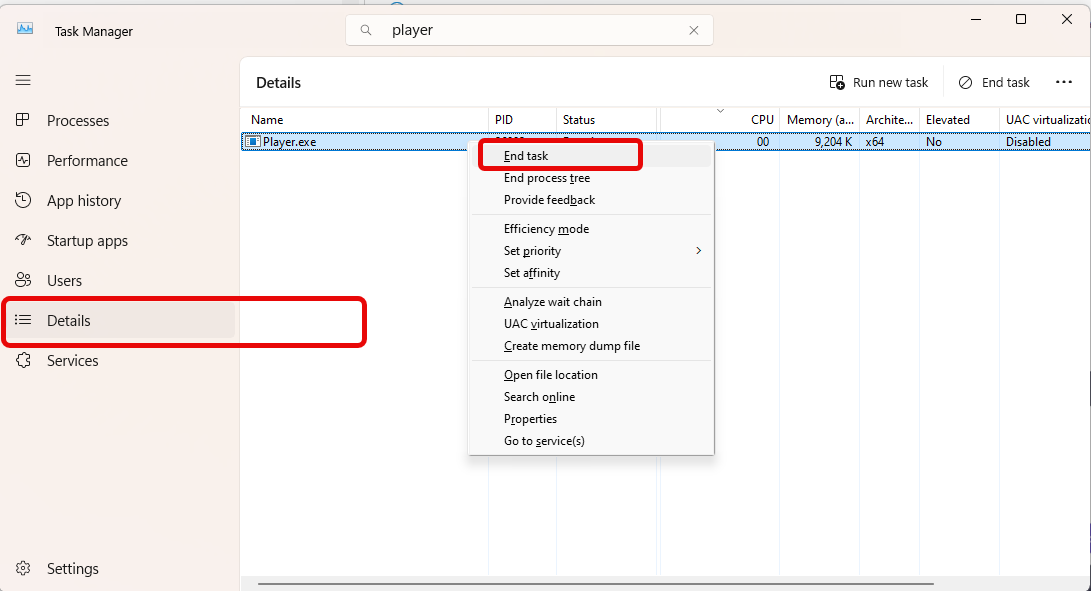
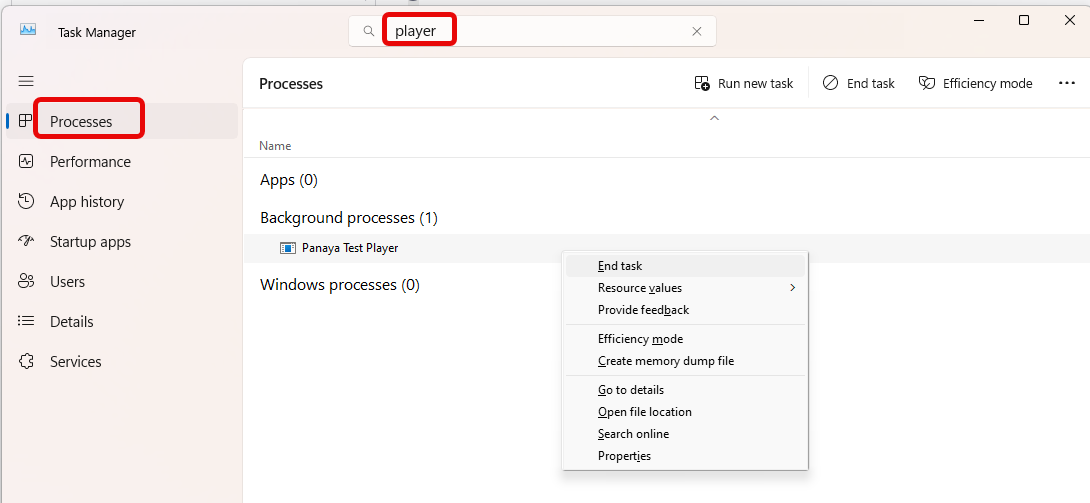
Alternatively, you can click Processes, type player in the search box, and, if you find the Panaya Test Player process running, right-click it and select End task.