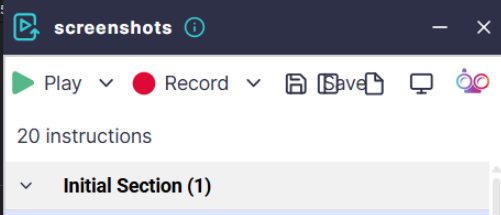
If buttons, checkboxes, or other interface elements in ScriptBuilder appear missing, misaligned, or corrupted, the cause is usually related to text size settings.
ScriptBuilder is designed to work with a text size of 100%. When a different text size or display scaling is used, the layout may not render correctly, and UI elements such as column checkboxes or headers may not appear as expected.
How to Resolve the Issue
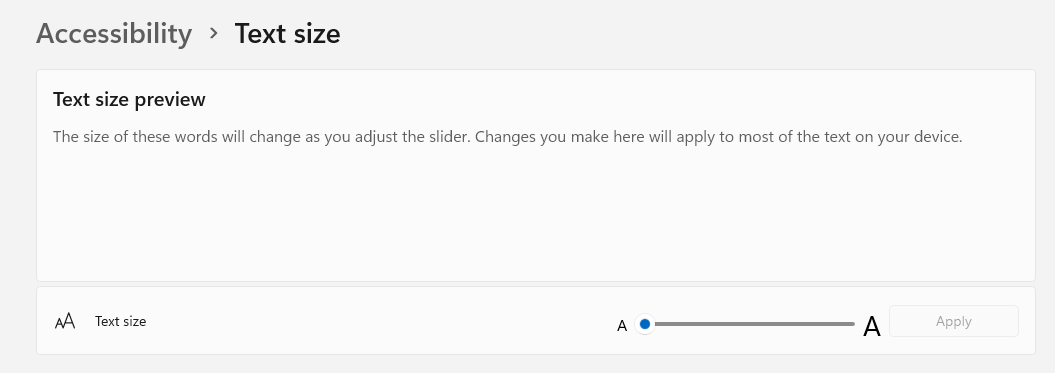
Open Windows Accessibility settings > Text Size and verify that the text size is set to 100%.
Close and Reopen ScriptBuilder.