You can mass-edit steps while working in the Steps tab of a manual test. This allows you to select multiple steps and apply bulk updates or assignments at once, saving time and ensuring consistency.
Good to Know!
You can also mass-edit steps across multiple tests using the test list.
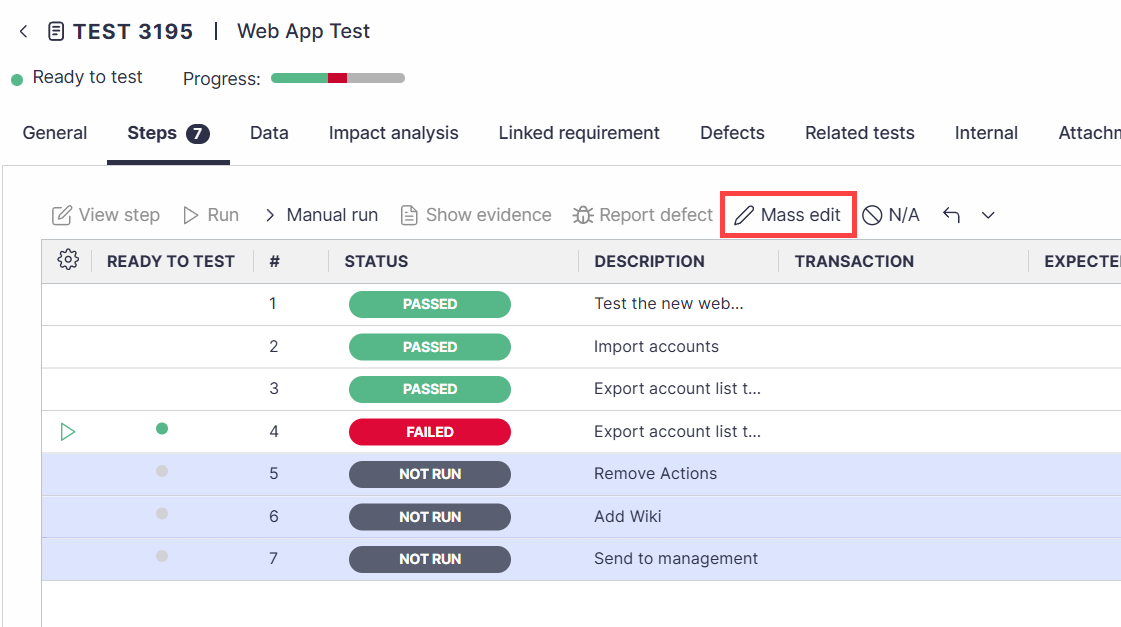
In a manual test, select the Steps tab.
Highlight one or more steps with Ctrl+Click or Shift+Click.
Click on the Mass edit button.
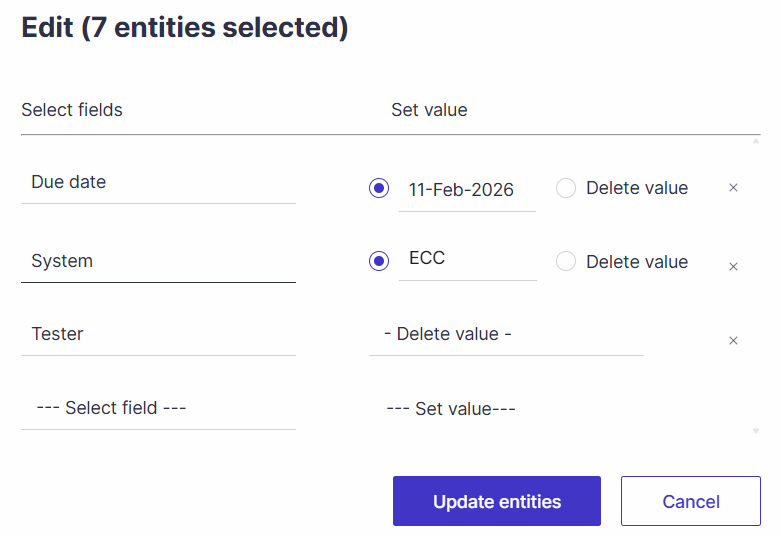
Select the fields to update and the desired value.
Click on Update entities.