Only the following are permitted to change the Project details -
Project Manager or Administrator Role for the relevant Project
Users assigned with the Create/Edit Projects permission
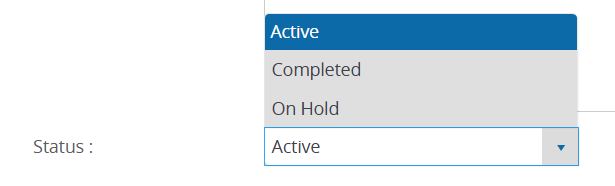
To define the Project Status as Active, Completed, or On Hold -
Click on the Menu
 button and select the relevant Project.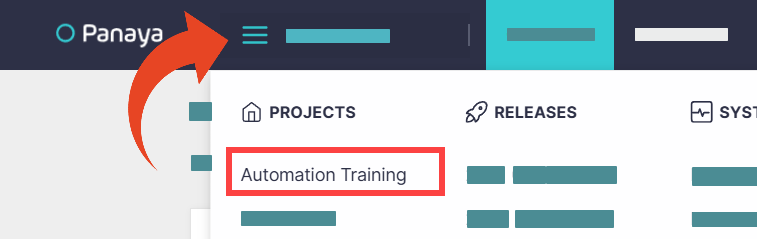
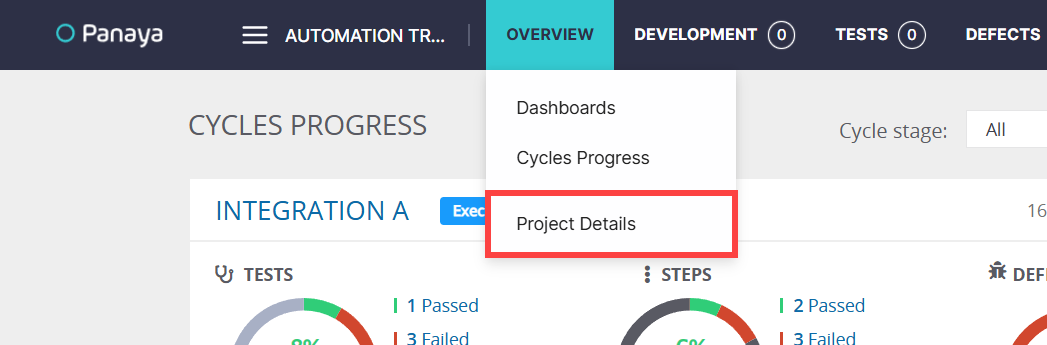
Hover the Overview tab and select Project Details.
Select the Project Status.
Click Save.