The process below should be repeated for every client machine and for every SAP system on which Panaya is going to be used.
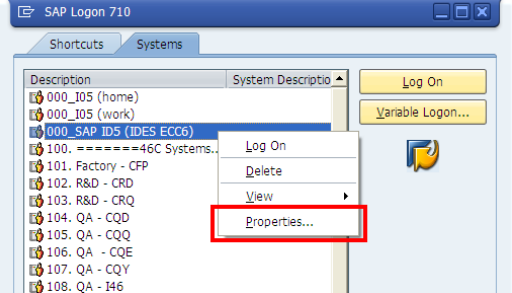
In SAP Logon, right-click on the relevant system & select Properties
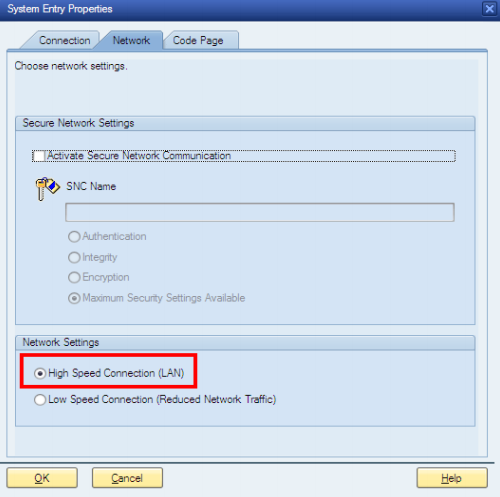
Select the Network tab
Under Network Settings, verify that the High-Speed Connection (LAN) option is checked
Click OK