Missing input parameter values can prevent a script from running successfully. In most cases, this issue is related to dataset configuration, settings, or encryption failure.
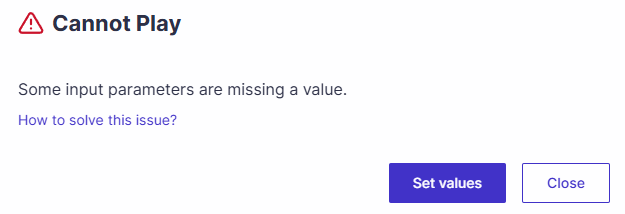
Use the guidelines below to identify and resolve the most common missing input causes in ScriptBuilder.
The dataset name does not exist
Verify that the selected dataset name exists in the dataset tab. If the name was changed or deleted, the test cannot retrieve its values.Missing values in the dataset
If a dataset contains empty fields, check that the parameter name appears in the global parameters tab of the folder, cycle, or project.Global Parameters at the Project level
To ensure global parameters data is applied to all tests, define it at the project root. The project root is the parent of all tests and guarantees consistent data inheritance.Mismatch between sensitive and non-sensitive settings
Confirm that the global parameter sensitivity matches the script parameter configuration.If the script expects a non-sensitive parameter (i.e., not encrypted), ensure the global parameter is also defined as non-sensitive.
If the global parameter is non-sensitive and the script parameter is declared as sensitive, the script should still function correctly.
Encryption failure for sensitive parameters
If a sensitive parameter is not set correctly, the encryption process may fail. If the issue continues after verification, contact support for assistance.