Selecting the correct cell in a table or the preferred option in a dropdown is usually straightforward with Panaya's built-in test automation capabilities. However, the dynamic nature of these elements or their technical complexity can sometimes make it harder to achieve the expected result.
In such cases, the AI Prompt instruction can provide a quick and simple alternative. Prompt wording can significantly affect the likelihood of a successful result.
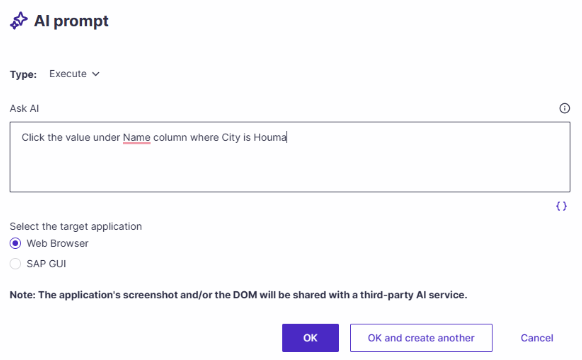
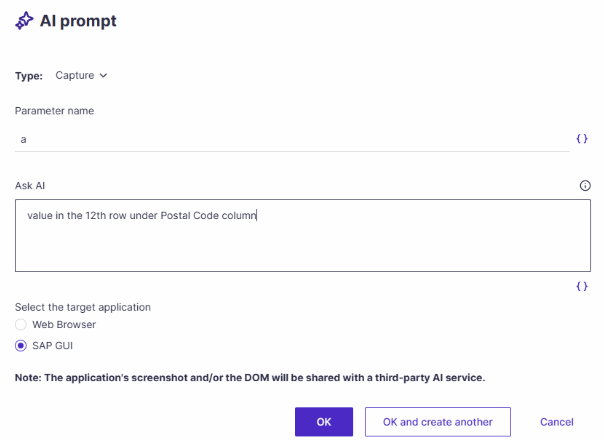
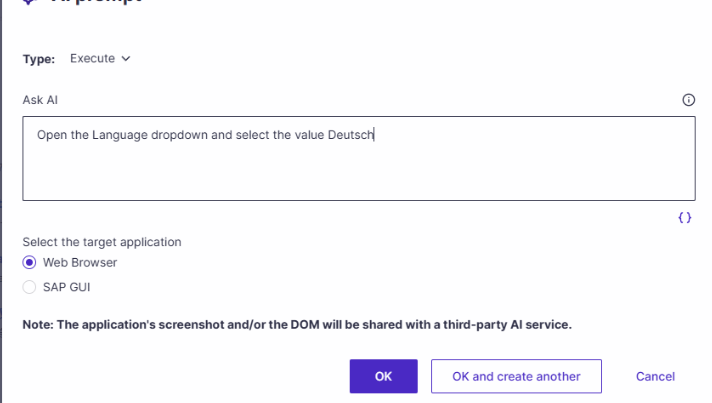
As a general guideline, phrase the prompt clearly and structure it similarly to a Panaya-generated instruction. This can improve consistency and increase the likelihood of achieving the desired behavior. The following examples show prompt patterns for common table and dropdown scenarios:
For Tables
By Matching Values
By Row Number
For Dropdowns
ⓘ IMPORTANT
Select the appropriate AI Prompt type (Execute, Capture, or Validate) to ensure the instruction functions as intended.