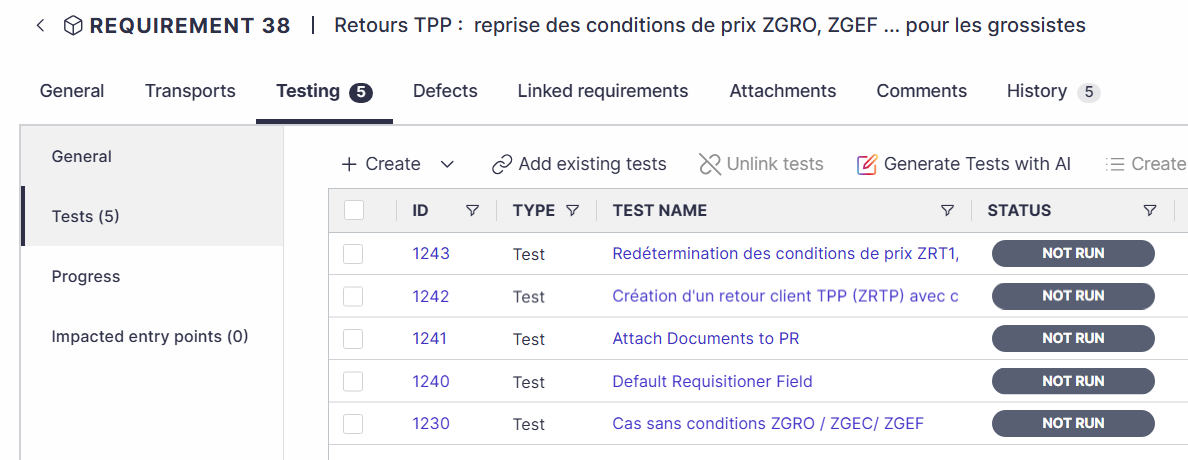
You can link existing or create new tests when working on a Requirement / Feature / Workstream.
✦ GENERATE TESTS WITH AI
Save time and use Panaya’s Seemore Intelligence to generate tests quickly with the help of AI.
Creating New Tests
In a Requirement, Feature or Workstream, select the Testing tab and then Tests.
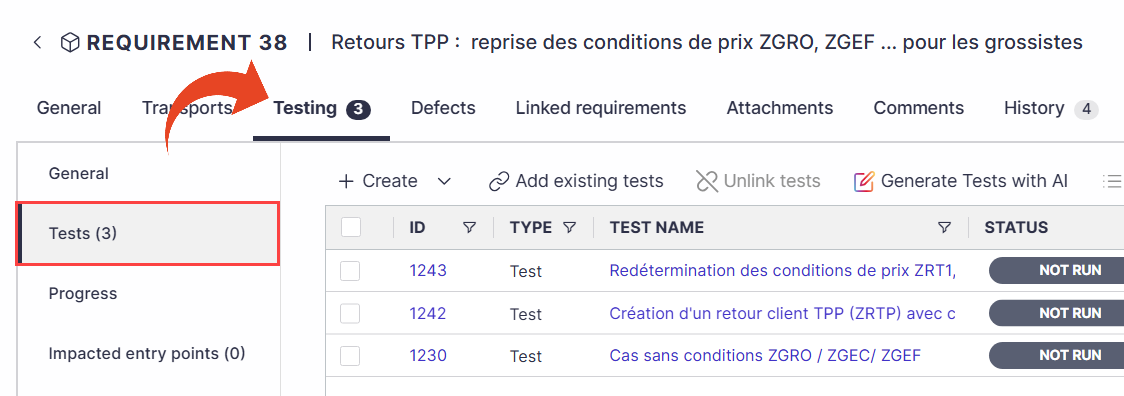
Use the Create button to create new tests.
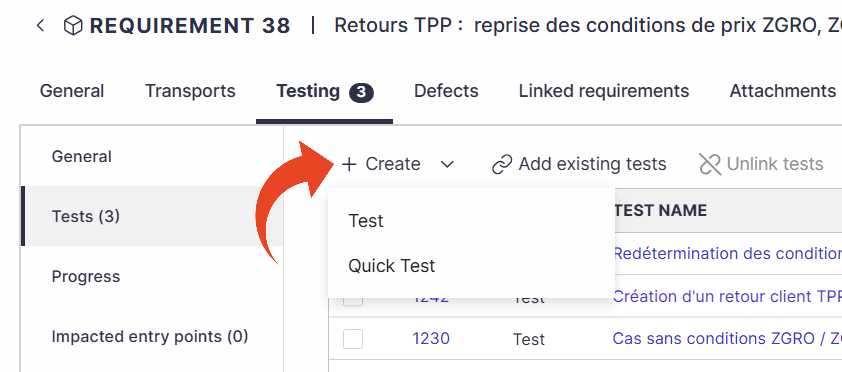
Fill in the Test name and description
Click on Select path from tree to define where you want to create the activity in the tree. You can add new cycles, folders, or business processes to your project tree.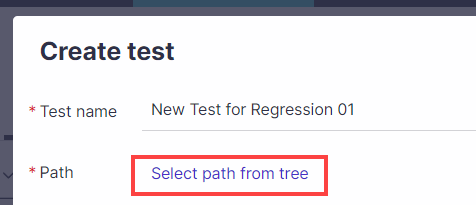
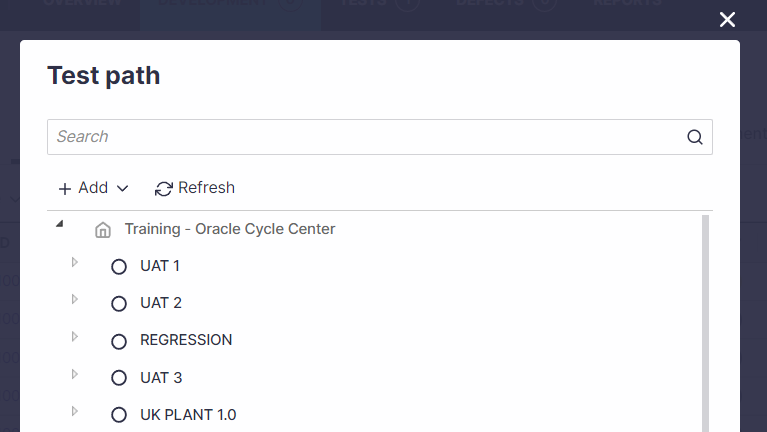
Upon completion, click Create.
Add Existing Tests
You can link existing tests or clone them and then link them to your Requirement, Feature or Workstream.
In a Requirement, Feature or Workstream, select the Testing tab and then Tests.
Click on Add existing tests.
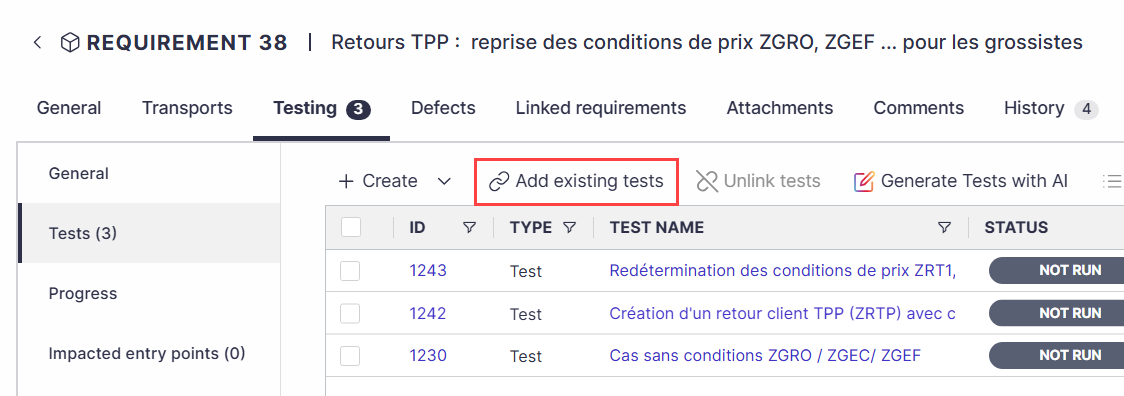
Select to link or clone and link the tests. Then use the search bar to find the tests.
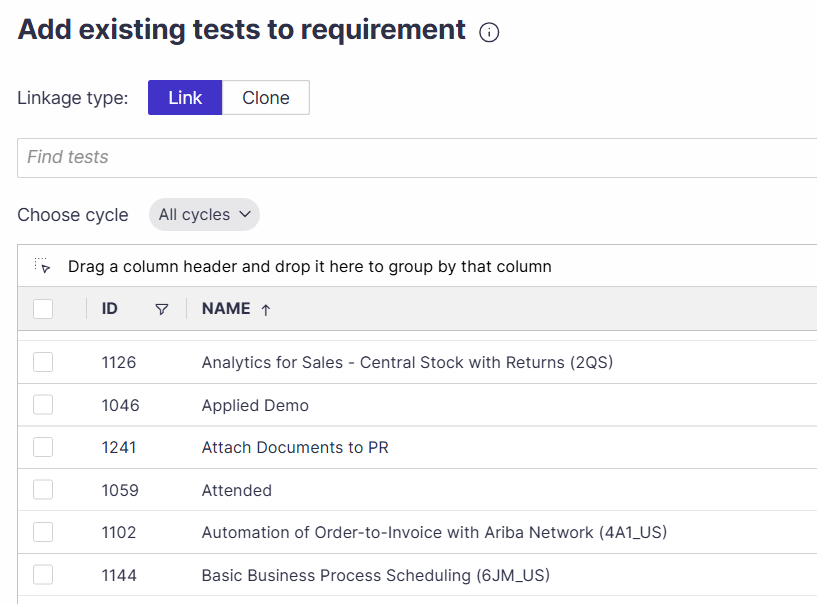
Select the tests you wish to link and click Link.