You can revert back to a previous cycle stage. If at any point during the current stage you would like to go back to the previous stage, the option is available from the main Cycle page. The status and progress of any test will be saved for when you re-launch.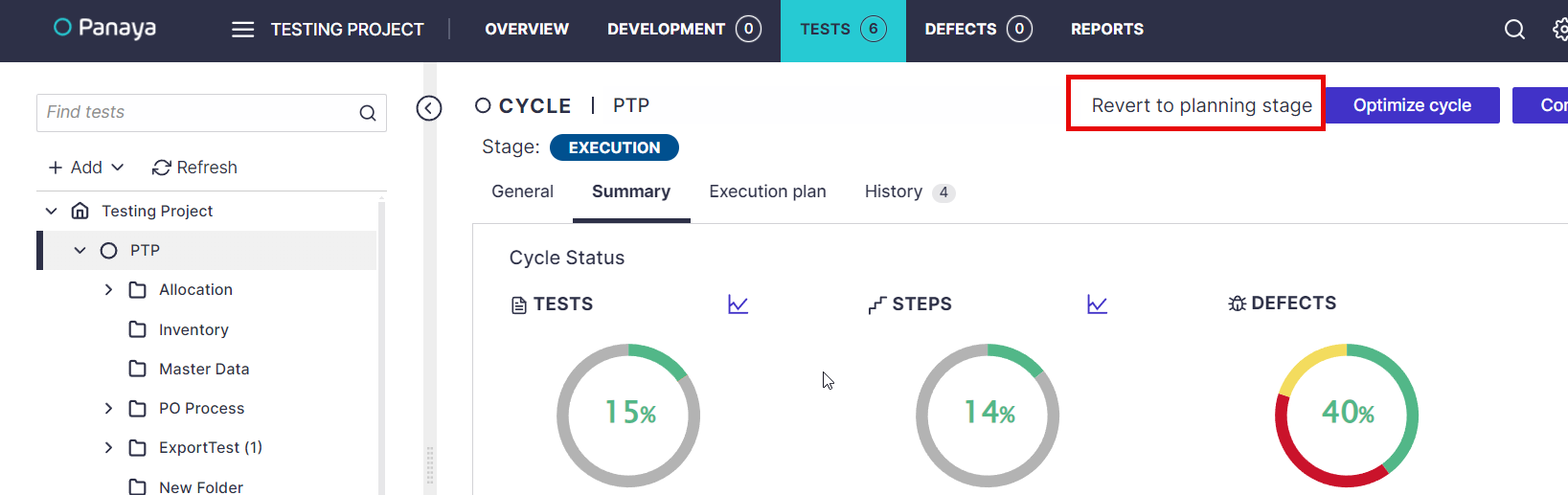
When you revert the cycle:
- Tests will be updated to Ready to Test status where applicable.
- The Run & Document button will become available for tests that are Ready to Test.
- Existing test evidence will not be deleted or changed.
- Any test steps that become Ready to Test as a result of reverting the cycle will trigger an email notification to the assigned tester.
After all required testing is complete, change the cycle stage back to Completed. This will finalize the testing cycle and prevent further test execution.