Panaya's navigation is easy for new users to get familiarized with. One button opens up a selection of projects, releases, systems, and account views.
Projects, Releases, Systems & Account
Click the new Menu button  to display recent projects, releases, and account views.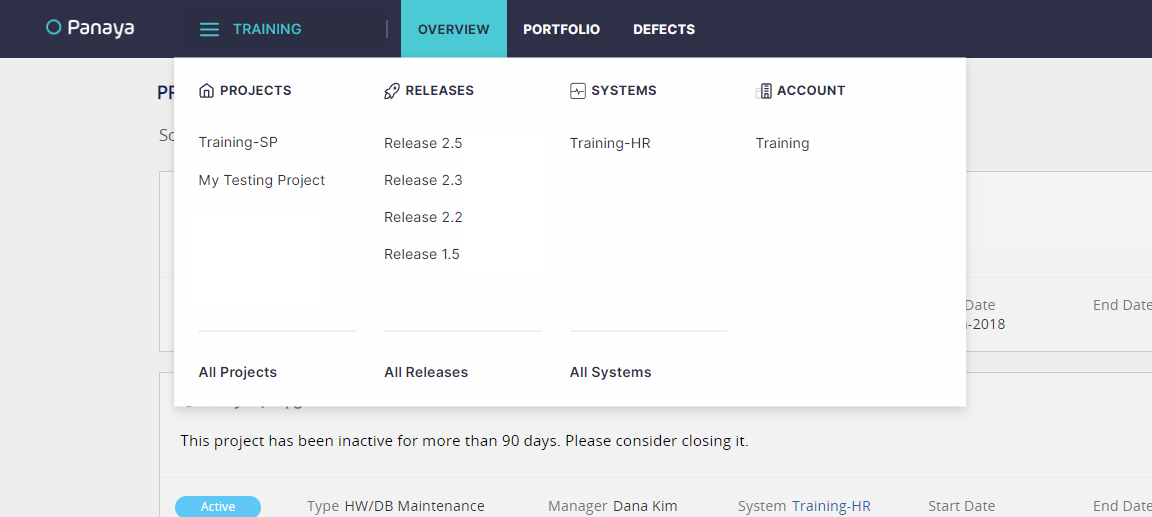
Note
The menu has a permission-based display of relevant items based on user roles and permissions.
Project Modules
Once within a project, you can toggle between all project activities and views.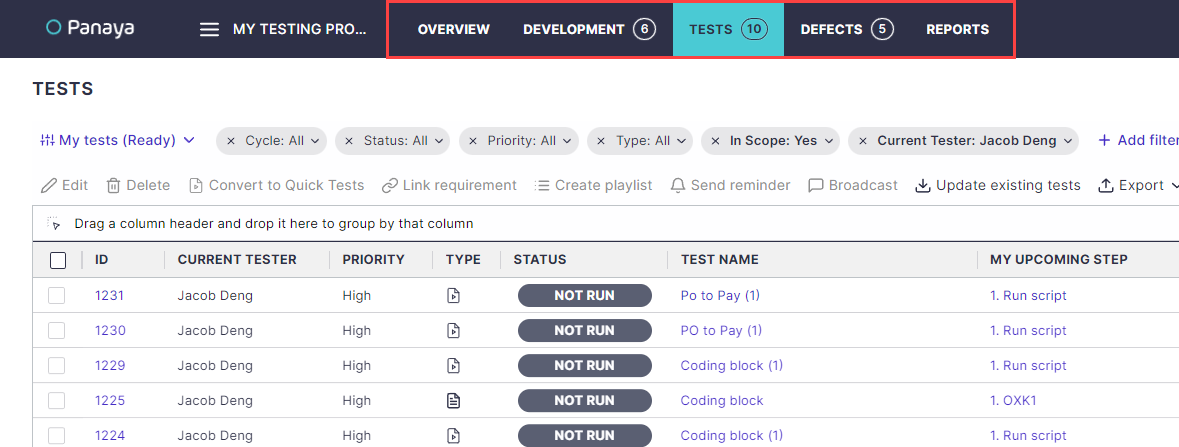
Project Search Button
When in a project, you can use the project search button at the top left corner of the screen.
System Menu
Click on a system name to view the System Snapshot, Fitness State, Satellite Systems, and more.
All Releases
Click on All Releases to view the Projects & Releases View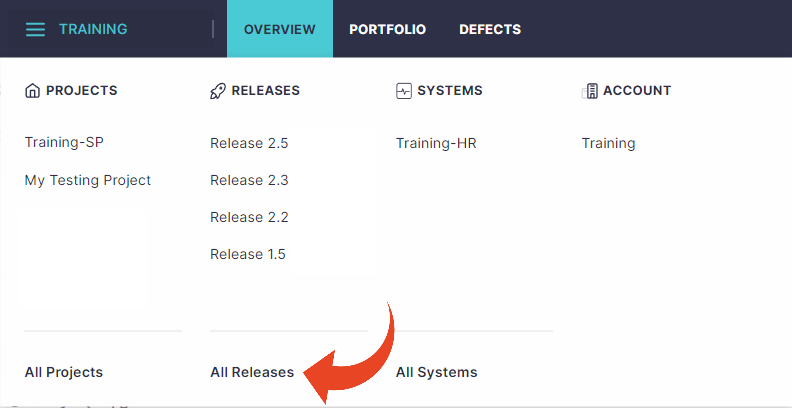
Settings Menu
Click on the Settings button to open up the settings menu

This is where admins can configure users, roles & permissions, automation rules, custom code uploads, and more.